Front
In this article
In this article group
- Amazon Connect
- Apple App Store
- Census Integration
- Connect Plain to Enterpret
- Decagon Integration
- Discord
- Discourse Integration
- Email Integration
- Facebook Pages Integration
- Fathom Integration
- File Upload: CSV data on Enterpret
- Freshchat
- Freshdesk
- G2
- Gainsight Communities Integration
- GitHub Issues Integration
- Gong Integration
- Google My Business Integration
- Google Play Store
- Grain
- Granola Integration
- Import HubSpot feedback
- Instagram Comments Integration
- Intercom
- Kustomer
- Livechat Integration
- SurveyMonkey
- Pylon integration
- Qualtrics
- Refiner Integration
- Salesforce
- SFTP Integration
- Slack feedback ingestion: setup and troubleshooting
- Snowflake
- Sprig Integration
- Stella Connect
- TikTok Integration
- Trustpilot Integration
- Typeform
- X (formerly Twitter) Integration
- Connect YouTube videos and comments
- Zendesk Chat
- Zendesk Support
- Import Zoho Desk support tickets
- Zoom Integration
- Zapier Integration
- Reddit Search (UGC)
- Wispr Flow integration
Overview
The Enterpret integration for Front allows your team to integrate feedback from customer support conversations directly into Enterpret's data pipeline. This enables you to understand and make decisions based on all the feedback you receive in Front.
We require an API token and periodically check Front for eligible data. The default polling interval is four hours; your integration may use a different configured schedule.
How It Works
Initial import time depends on the configured history range, source volume, API access and rate limits, and Enterpret fetching and processing. The polling interval is not an import-completion or first-arrival guarantee. Contact your Enterpret team to confirm the intended history range or investigate missing records.
Enterpret reads eligible conversation events and fetches their available messages. Depending on your configuration, conversations can be segmented around archive events. Contact your Enterpret team to confirm how follow-up messages and updates are represented.
Conversation eligibility depends on the events and ingestion settings configured for your connection; it should not be treated as a blanket resolved-only rule.
Integrate Front
Step 1: Generate a Front API Token
Log in to your Front account and navigate to Settings
Navigate to DEVELOPERS in the left menu
Go to the API Tokens section and click Create API Token
Fill in the required fields for the API token and select the scope as Shared Resources
Copy the generated token
Step 2: Access the Integrations Menu (Enterpret)
Go to your Enterpret dashboard
Click the logo icon on the left sidebar to open the integrations menu
Select Integrations from the menu
Step 3: Add a New Integration
Click the + NEW INTEGRATION button on the Integrations page
A list of all available integrations appears.
Search for and select Front
Choose Feedback Integration as the integration type
Step 4: Complete the Integration in Enterpret
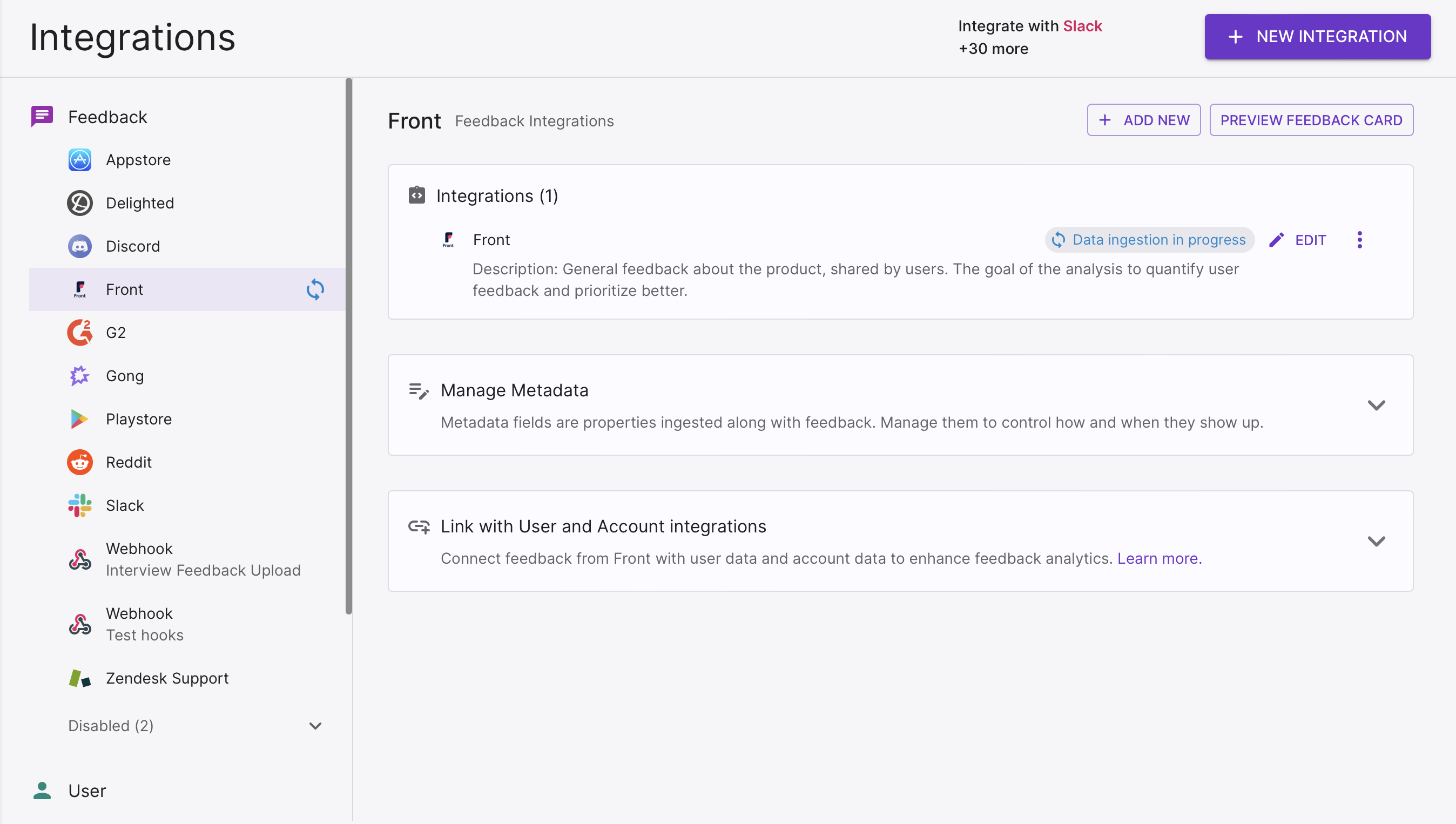
Return to the Enterpret Integrations page
Paste the Front API token you copied and fill out the remaining required details
Click INTEGRATE
After saving, open the Front integration and review its status and ingestion progress. Validate a few expected records after fetching and processing.