
G2
In this article
In this article group
- Amazon Connect
- Apple App Store
- Census Integration
- Connect Plain to Enterpret
- Decagon Integration
- Discord
- Discourse Integration
- Email Integration
- Facebook Pages Integration
- Fathom Integration
- File Upload: CSV data on Enterpret
- Freshchat
- Freshdesk
- Front
- Gainsight Communities Integration
- GitHub Issues Integration
- Gong Integration
- Google My Business Integration
- Google Play Store
- Grain
- Granola Integration
- Import HubSpot feedback
- Instagram Comments Integration
- Intercom
- Kustomer
- Livechat Integration
- Momentive (Formerly Survey Monkey)
- Pylon integration
- Qualtrics
- Refiner Integration
- Salesforce
- SFTP Integration
- Slack feedback ingestion: setup and troubleshooting
- Snowflake
- Sprig Integration
- Stella Connect
- TikTok Integration
- Trustpilot Integration
- Typeform
- X (formerly Twitter) Integration
- Connect YouTube videos and comments
- Zendesk Chat
- Zendesk Support
- Import Zoho Desk support tickets
- Zoom Integration
- Zapier Integration
- Reddit Search (UGC)
- Wispr Flow integration
Overview
The Enterpret integration with G2 allows users to analyze public customer reviews about their product from G2 inside Enterpret.
We use your G2 reviews URL in order to ingest the data, and ingest new data every 24 hours.
Configuration
Within the Enterpret platform, navigate to Integrations.
For first-time customers, this will be on the first screen you see upon login.
For existing customers, this will be under Integrations in the navigation menu on the lefthand side of the screen. From there, select +New Integration.
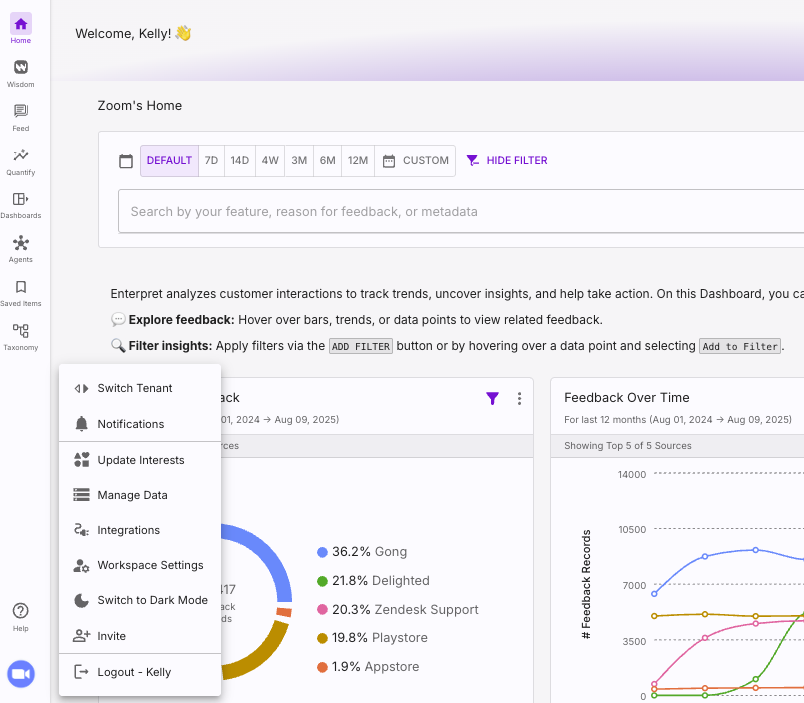
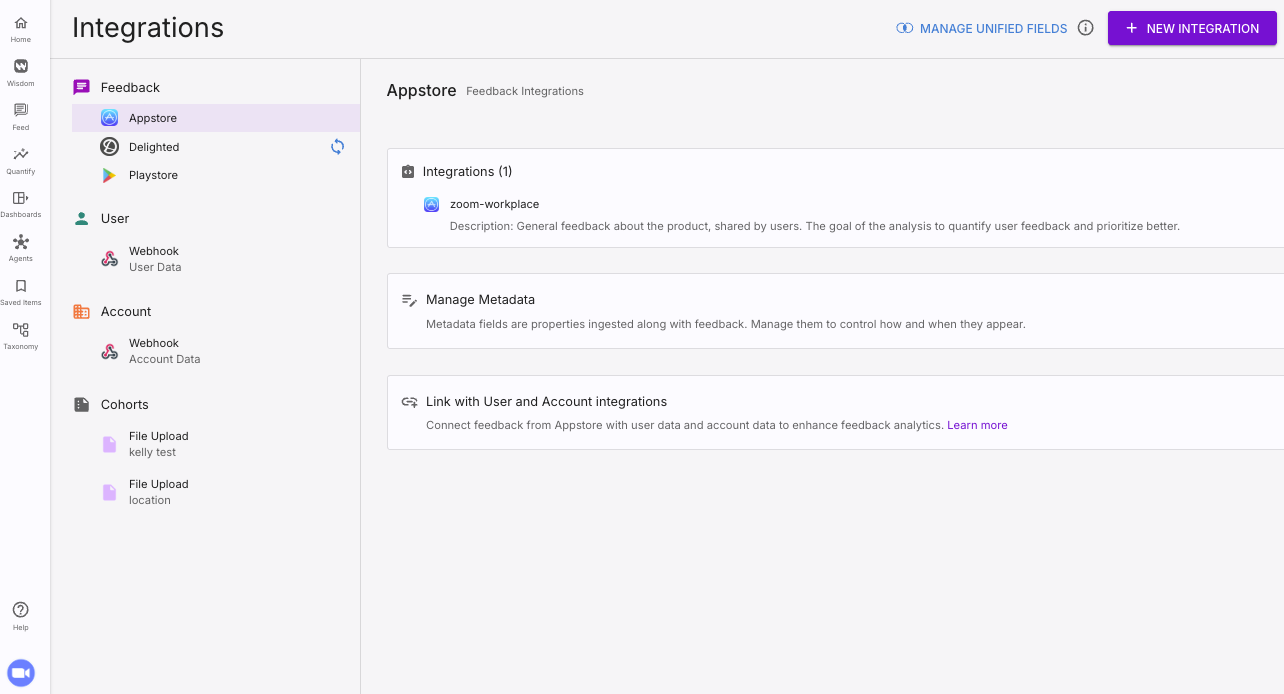
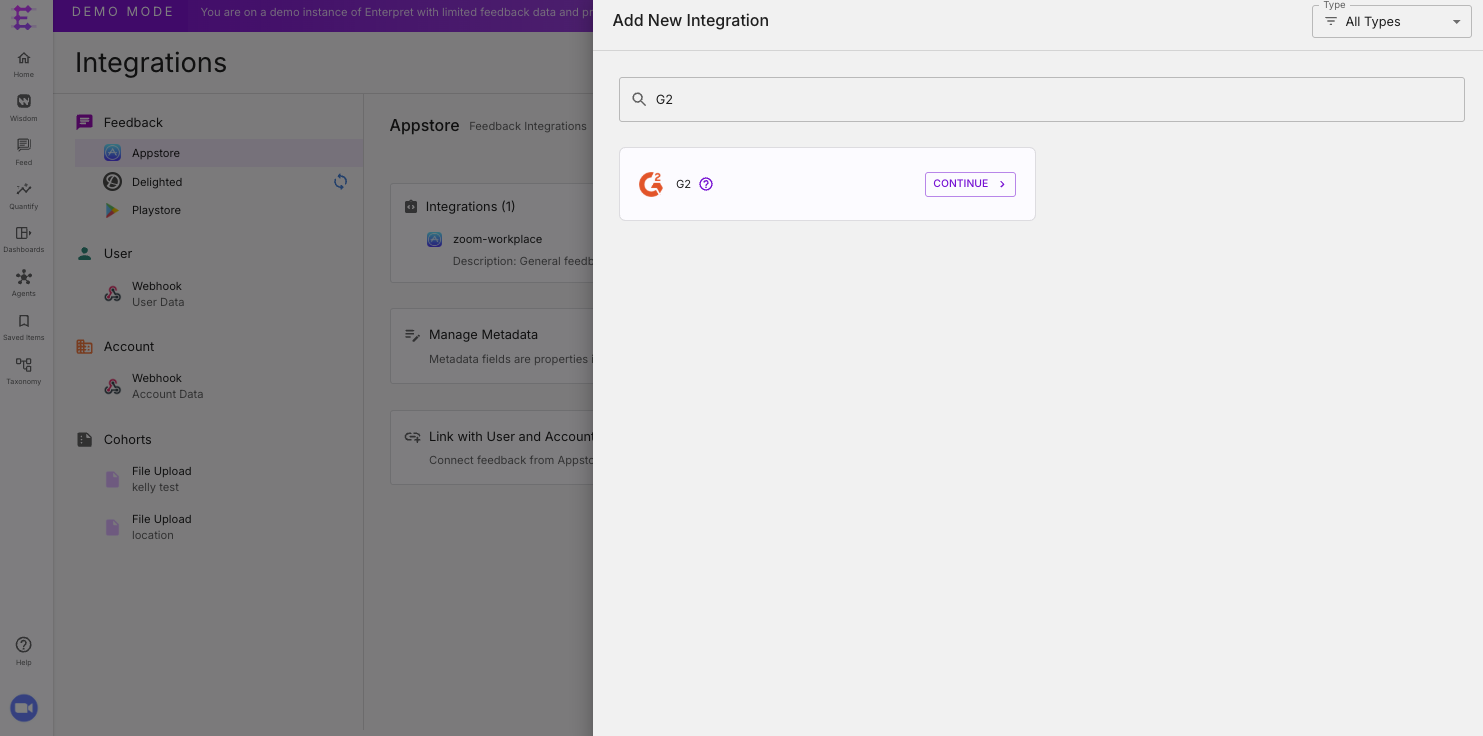
Then, search for and select the G2 integration. Select Feedback Integration.
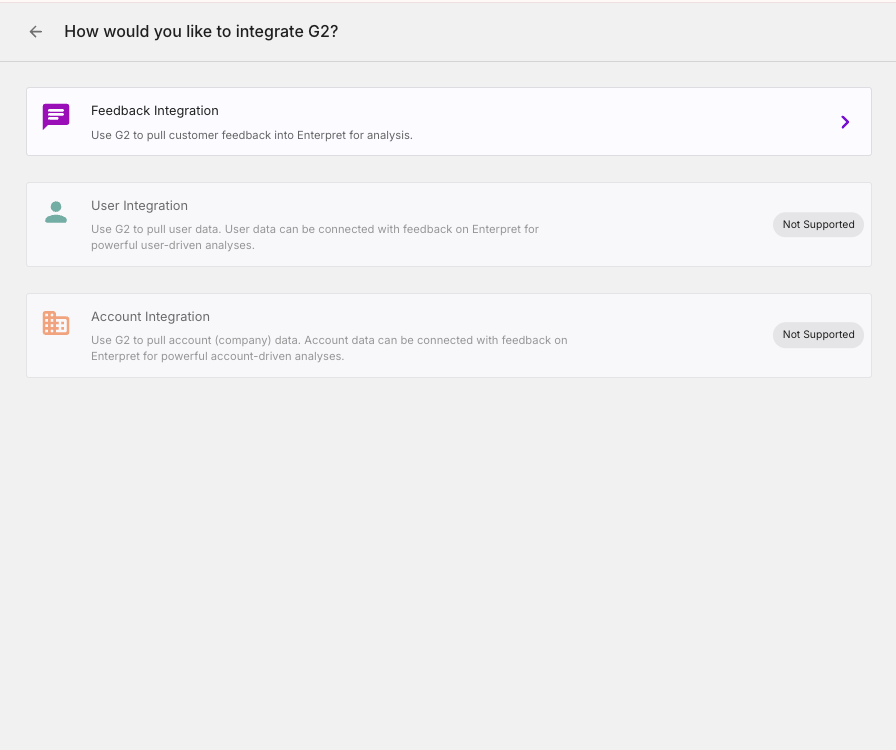
You will be prompted to provide the URL for your product in G2 with a format that looks something like this:
https://www.g2.com/products/{{yourBusinessName}}/reviews
Beneath that, you'll need to describe what type of feedback is coming from these reviews. E.g. These are public reviews about user experiences purchasing and using the Enterpret software.
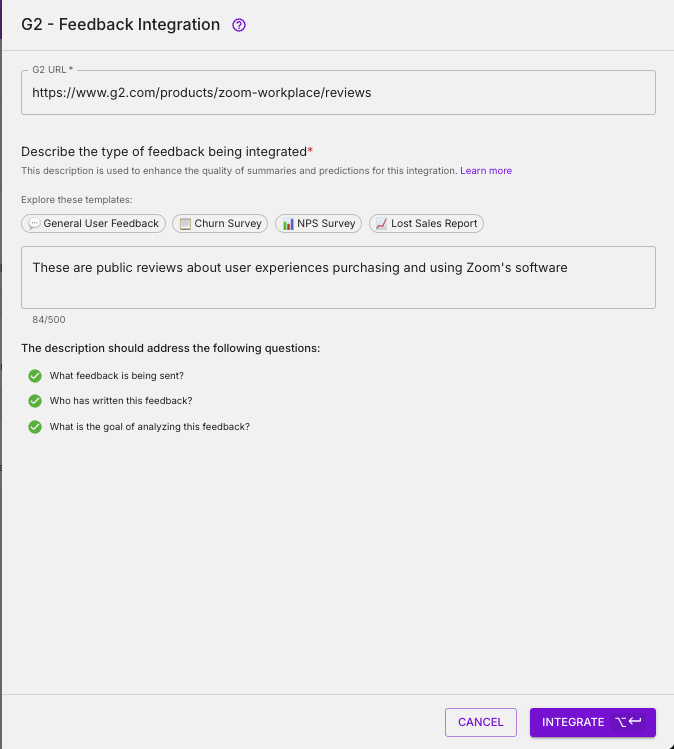
From there, simply press integrate and data will start ingesting. Please note it may take up to 24 hours for data to appear in the platform.
Analyze this feedback with Enterpret Agent
Once this integration's feedback is available in Enterpret, use Enterpret Agent to investigate themes, summarize customer requests, and prepare reports. Specify this source and the reporting period in your request. For daily reports, weekly digests, and recurring reporting, configure scheduled Agent automations with Slack or email delivery.
This guide covers feedback ingestion. Agent connectors are a separate setup for reading external context or taking supported actions in other tools; connecting a feedback source does not automatically authorize those actions.