Save Quantify analyses, Feeds, and Dashboards
Enterpret lets you save the item types enabled in your workspace, such as Quantify Charts, Feeds, Dashboards, Knowledge items, and Collections.
This page links to the steps for saving new work. To reopen an existing item, search by title or creator, filter by type, or unarchive a saved view, use Find Saved Items.
Save a Quantify analysis
For step-by-step instructions to save a Quantify, see the Sharing & Saving Quantify article.
Save a Feed
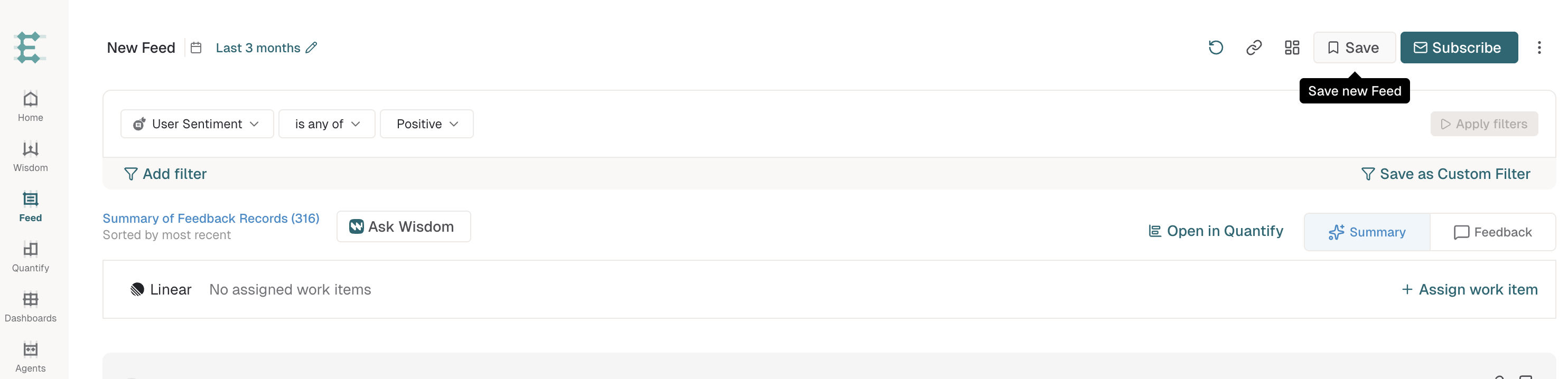
To save a Feed, build the query on the Feed page, click the Save button at the top right, give it a descriptive name, and confirm. The saved Feed appears under the Feed type filter in Saved Items. For details, see the Feed: Basics article.
Save a Dashboard
For step-by-step instructions to save a Dashboard, see the Dashboard Basics article.
Saving feedback in Enterpret 2.0
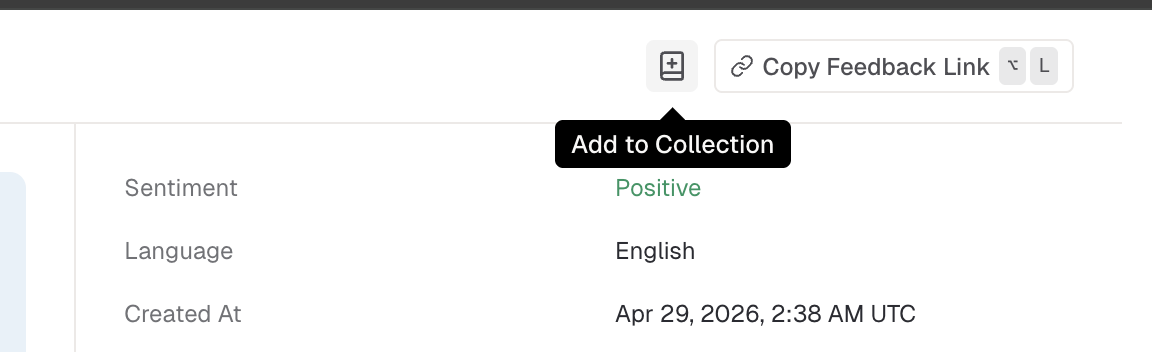
To preserve a reusable feedback query, save it as a Feed. Where Collections remain enabled, you can manually curate selected feedback records into a Collection. If an existing Collection shows “This collection is now view-only,” it has been deprecated in your workspace: open it by its existing link to view or export its feedback. Deprecated Collections no longer appear in Saved Items.
Where Collections remain enabled and you have permission to create saved items, use “Add to Collection” on a feedback record.