
Gainsight Communities Integration
In this article
In this article group
- Amazon Connect
- Apple App Store
- Census Integration
- Connect Plain to Enterpret
- Decagon Integration
- Discord
- Discourse Integration
- Email Integration
- Facebook Pages Integration
- Fathom Integration
- File Upload: CSV data on Enterpret
- Freshchat
- Freshdesk
- Front
- G2
- GitHub Issues Integration
- Gong Integration
- Google My Business Integration
- Google Play Store
- Grain
- Granola Integration
- Import HubSpot feedback
- Instagram Comments Integration
- Intercom
- Kustomer
- Livechat Integration
- SurveyMonkey
- Pylon integration
- Qualtrics
- Reddit Integration
- Refiner Integration
- Salesforce
- SFTP Integration
- Slack feedback ingestion: setup and troubleshooting
- Snowflake
- Sprig Integration
- Stella Connect
- TikTok Integration
- Trustpilot Integration
- Typeform
- X (formerly Twitter) Integration
- Connect YouTube videos and comments
- Zendesk Chat
- Zendesk Support
- Import Zoho Desk support tickets
- Zoom Integration
- Zapier Integration
- Reddit Search (UGC)
- Wispr Flow integration
Overview
Gainsight Communities is where your customers come together, sharing product ideas, engaging in conversations, and seeking answers to their questions. This valuable information often remains untapped. Enterpret's integration with Gainsight Communities illuminates these insights, offering a comprehensive understanding of your customers' thoughts on your product, its features, and more.
With Enterpret's Gainsight Communities integration, you can specify and ingest content from selected categories, aligning them with your feedback taxonomy.
Note
Enterpret's integration with Gainsight Communities pulls in Conversations and Questions from your selected categories, according to your selected categories and integration settings. Ideas require separate enablement; confirm their availability with your Enterpret team.
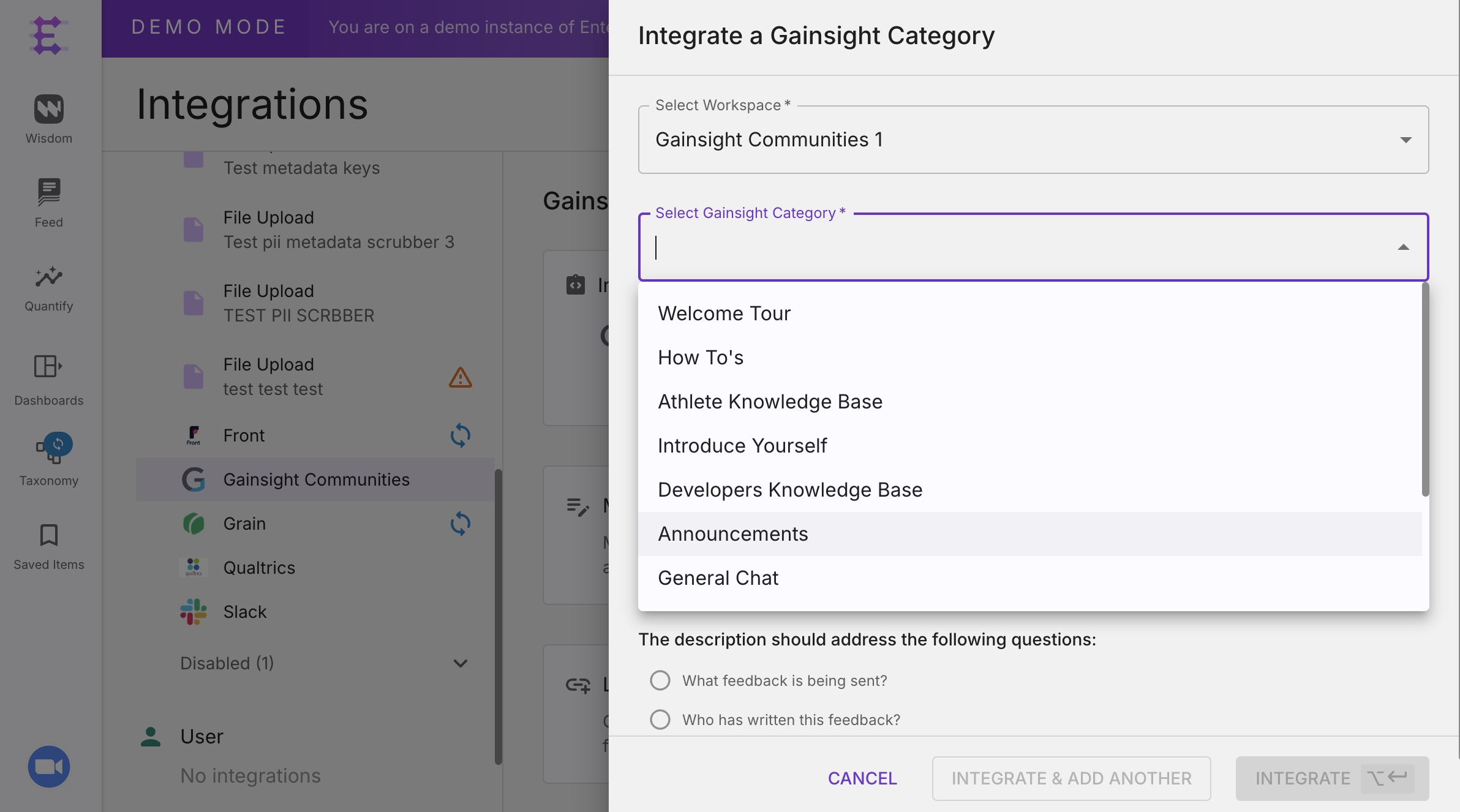
You can integrate multiple categories by selecting them.
How to Connect Gainsight Communities with Enterpret
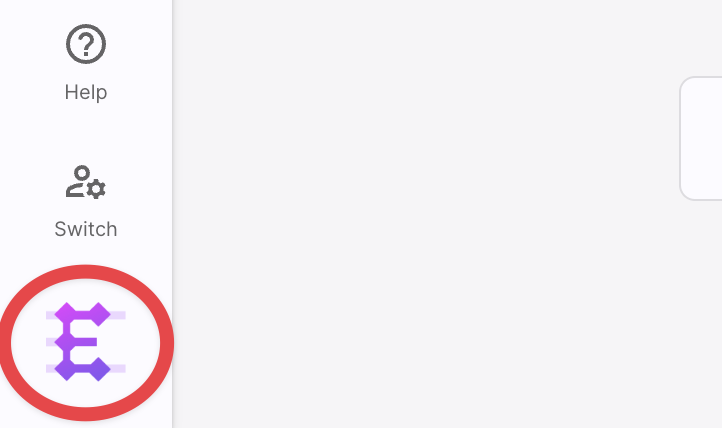
Click on your company logo at the bottom left to open menu options.
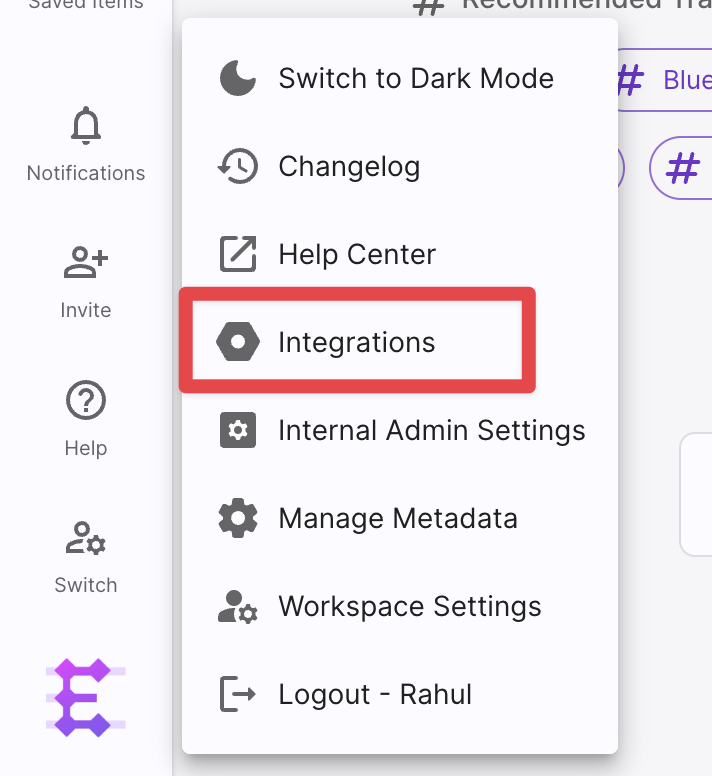
Select integrations.
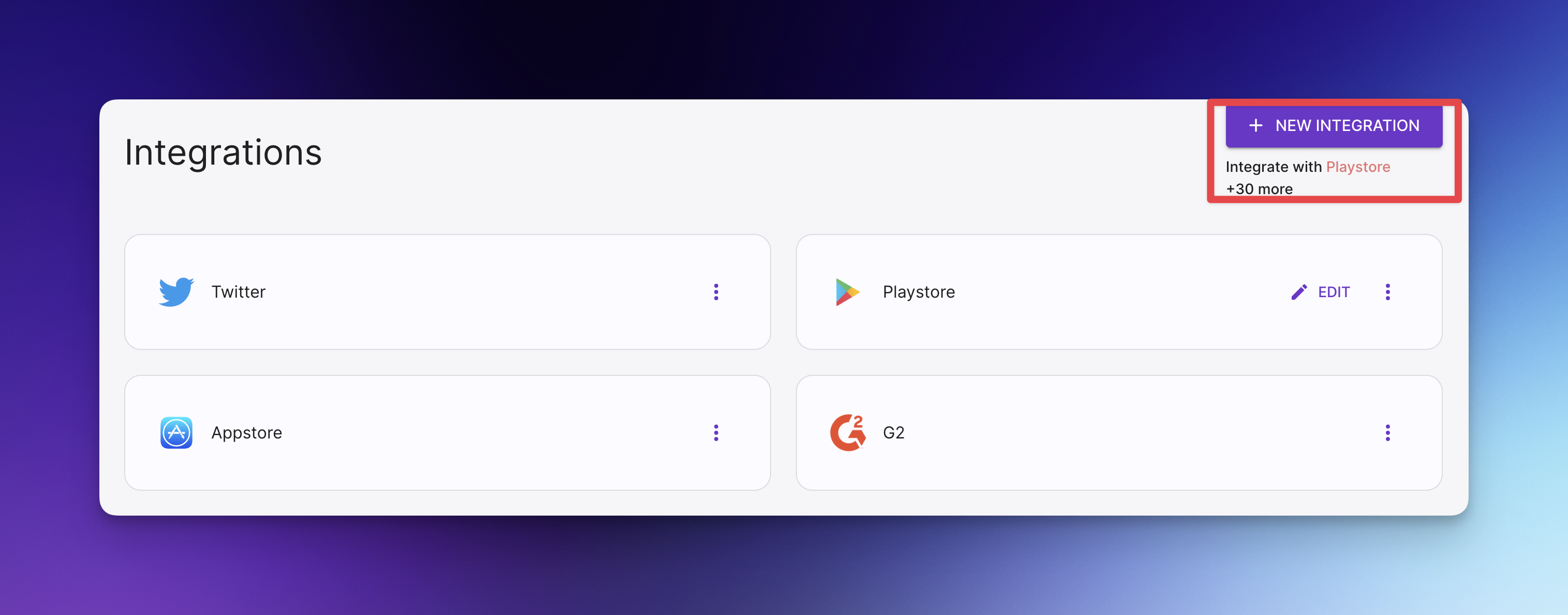
Once you are on the integrations page, click on the new integration button in the top right corner.
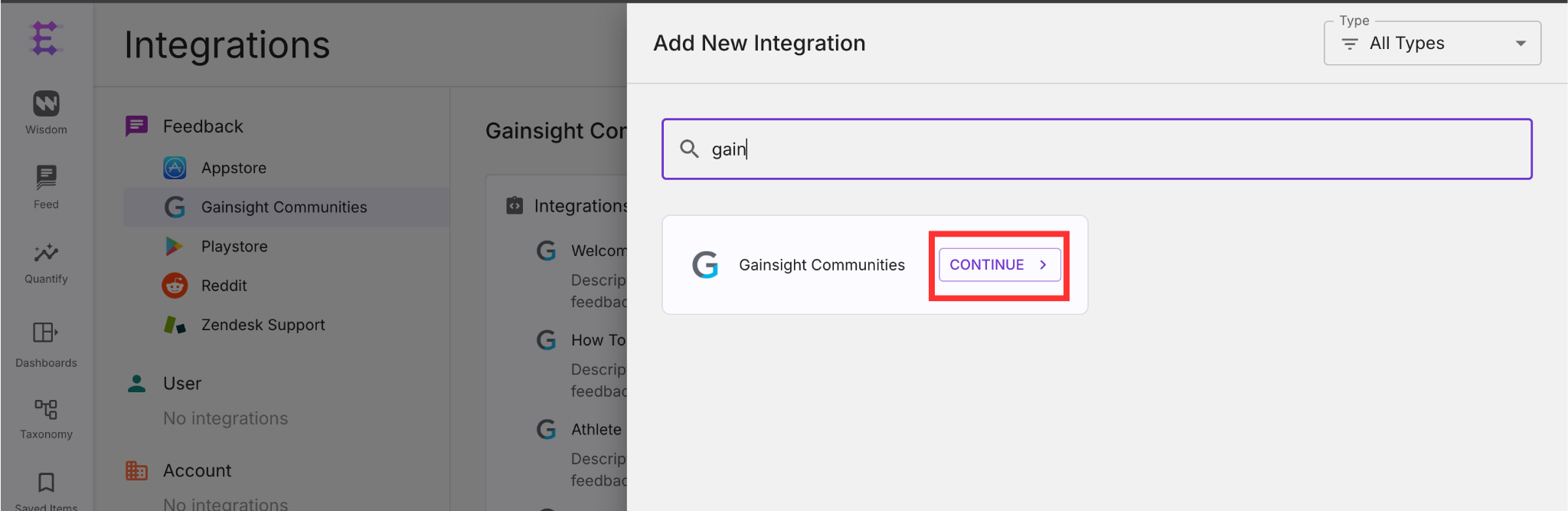
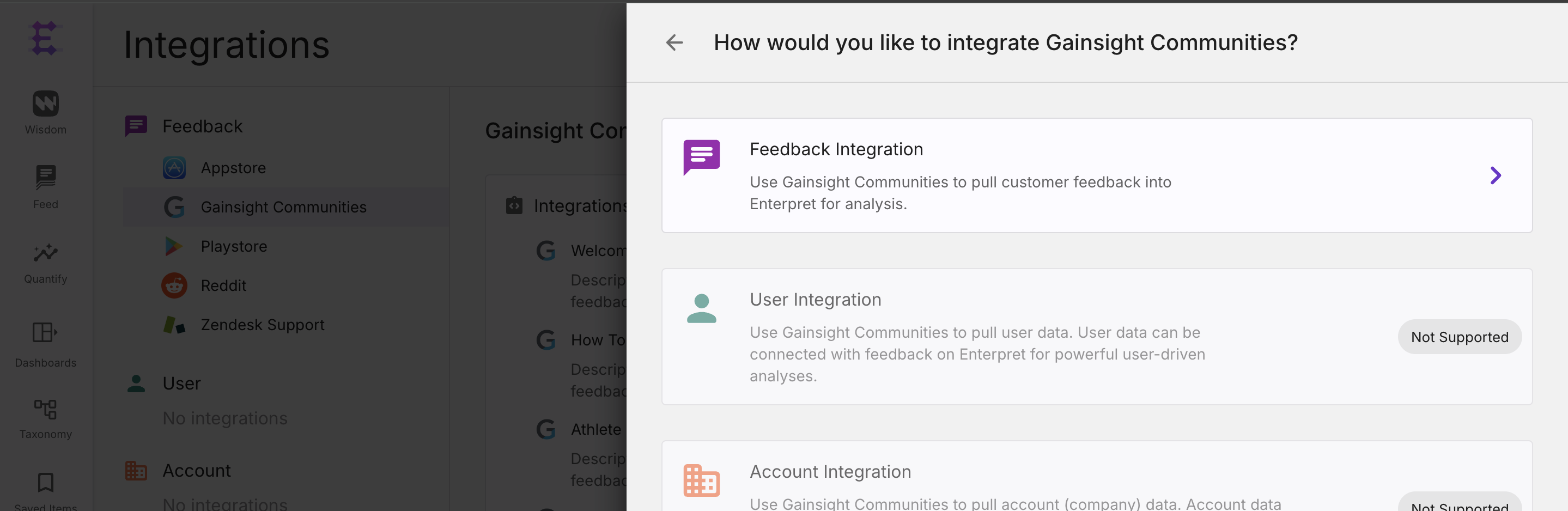
Select Gainsight Communities.
Select Feedback Integration
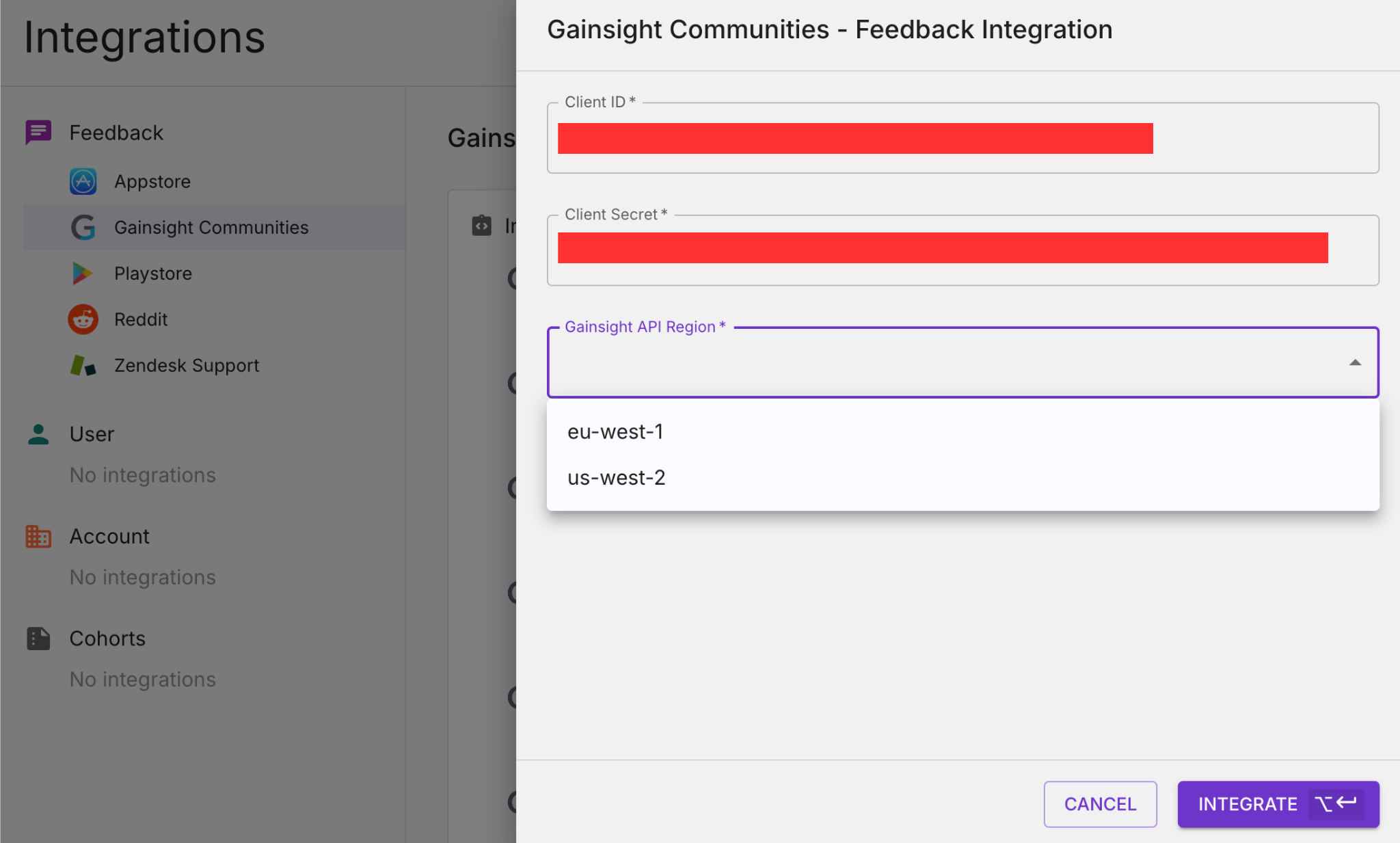
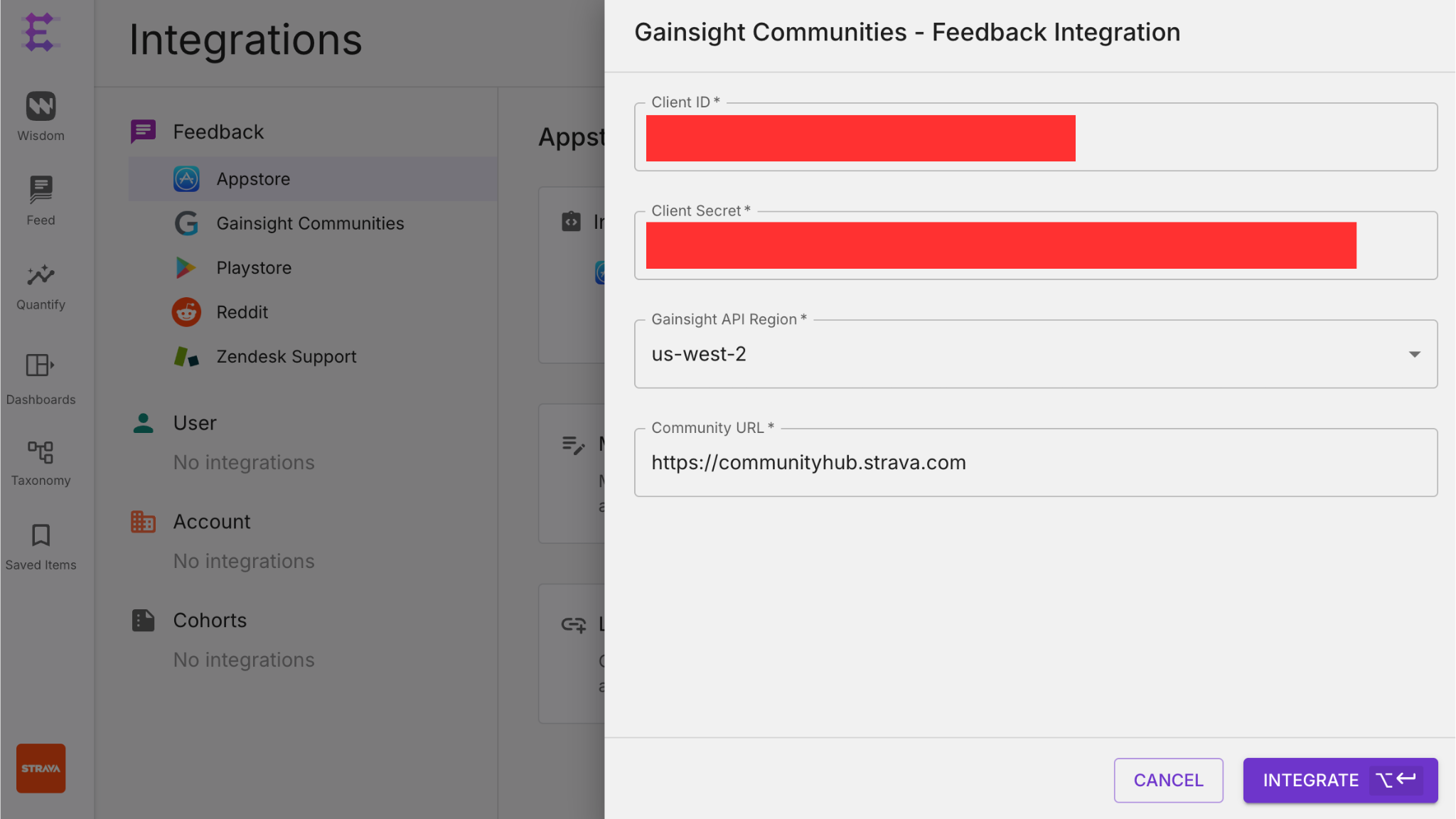
Enter Client ID, Client Secret, Community Domain and select API Region
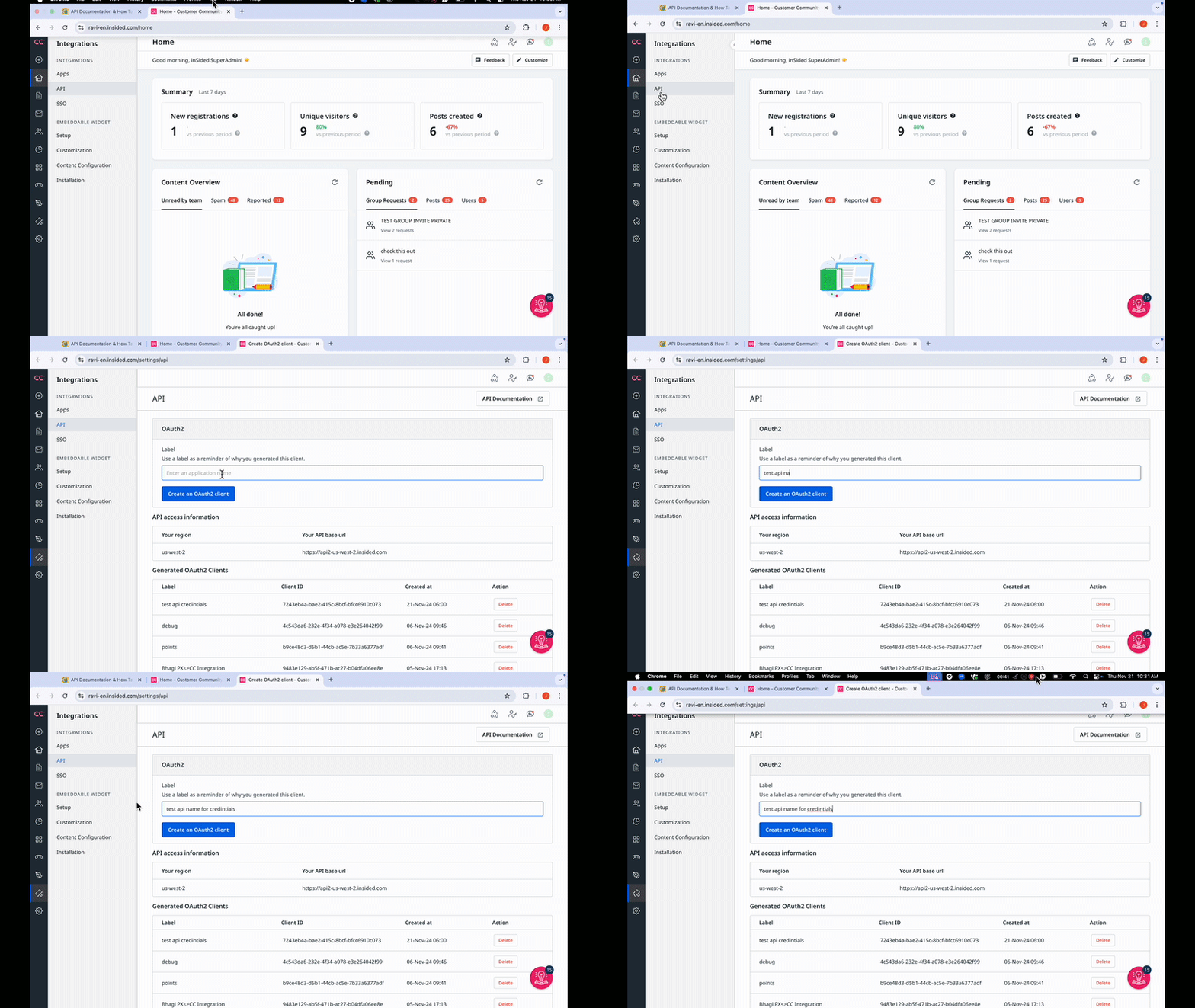
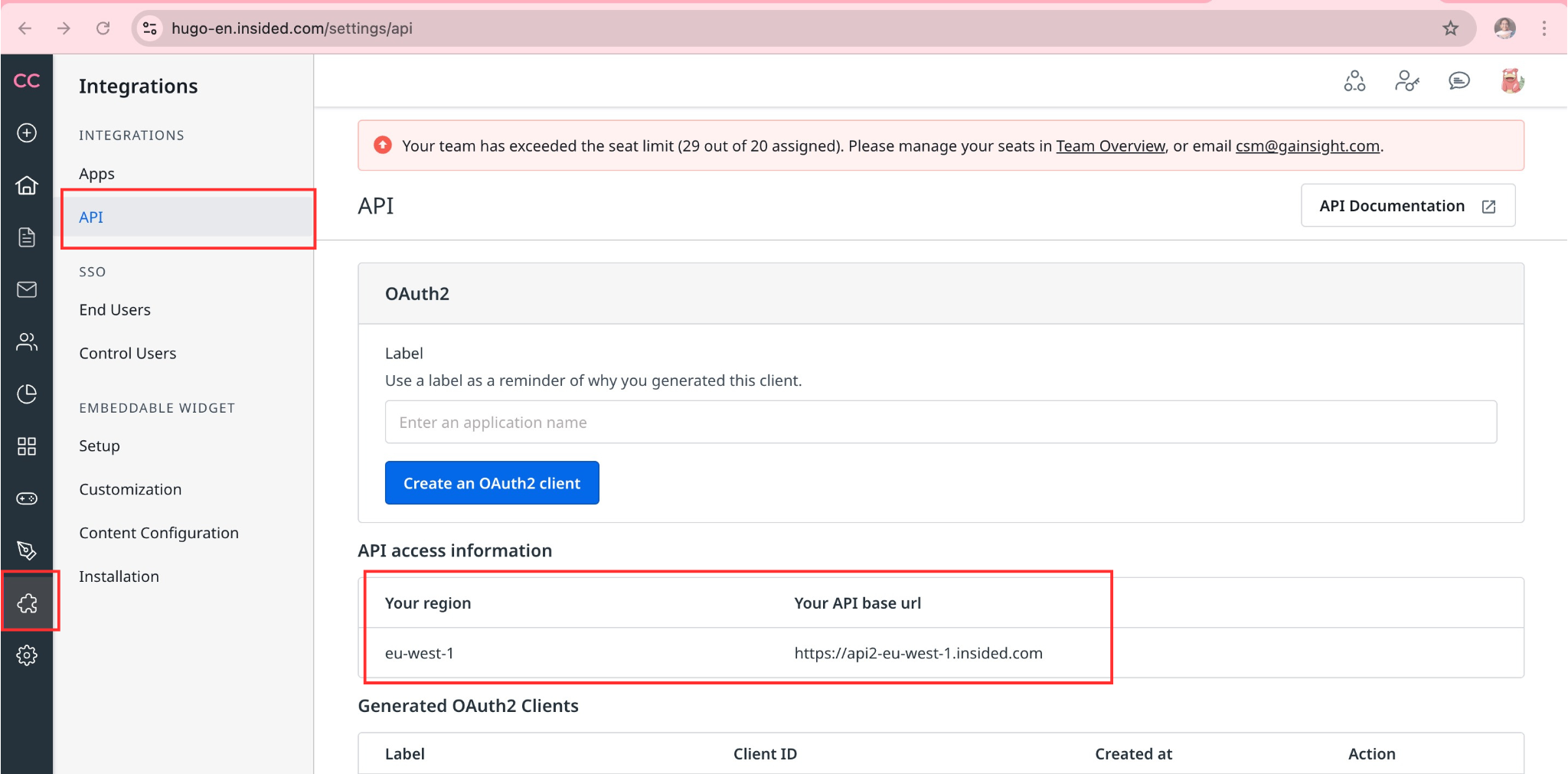
Ask your Gainsight Communities administrator for an API client ID, client secret, and the API region for the intended community. API access and the available administration controls depend on your Gainsight account.
Add
Community domaini.e URL where your community is hosted
Once you are done, click on the Integrate button.
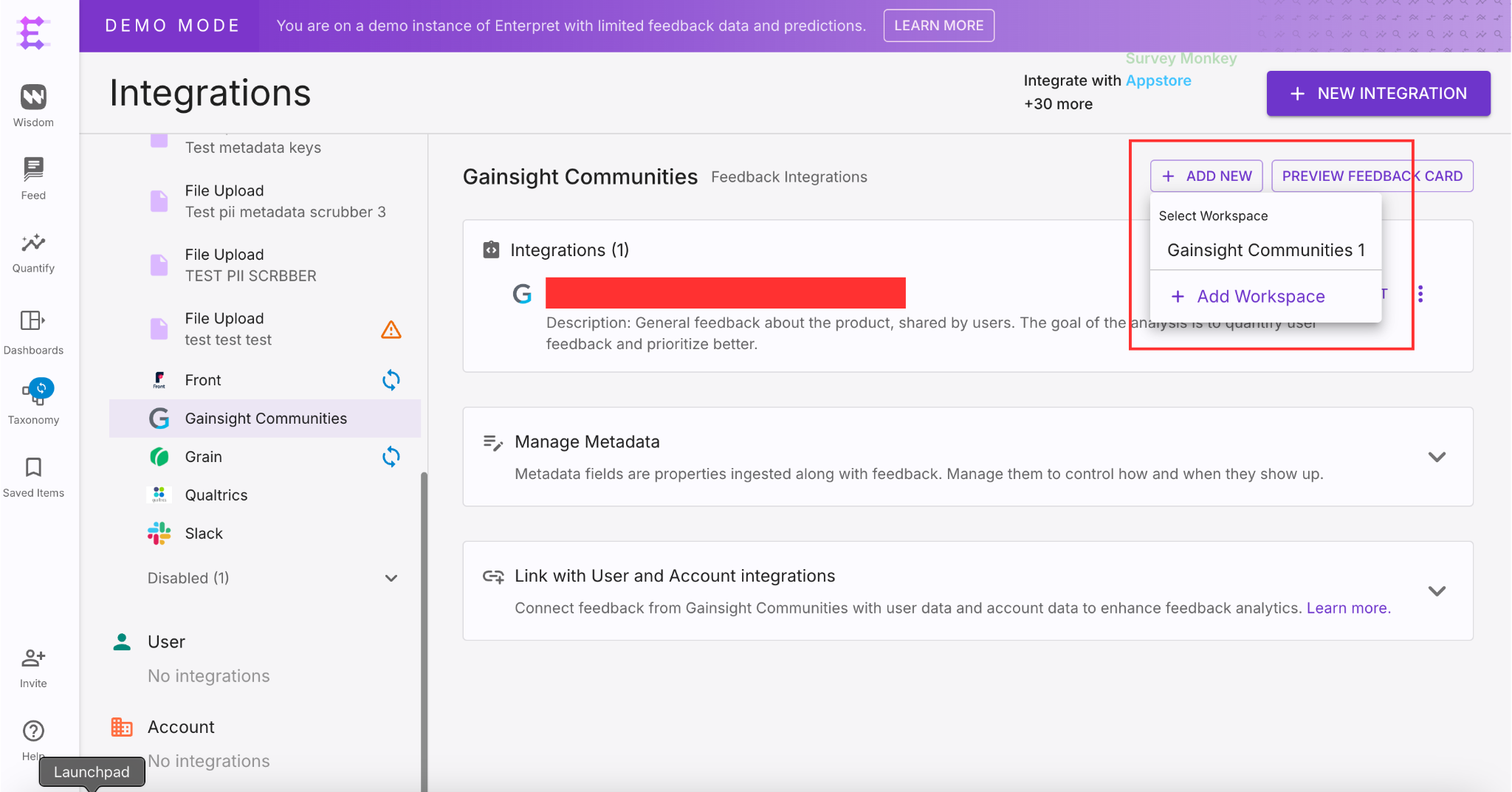
Go to Integrations -> Gainsight Communities -> Add New and select workspace (i.e
Gainsight Communities1 for new integration)Select Category to subscribe for pulling feedbacks and click on Integrate button
After setup and category selection, eligible content can be fetched on the configured ingestion schedule. Review the integration’s displayed status if content does not appear.
Feel free to contact us if you need any help with this integration.