
Zapier Integration
In this article
In this article group
- Amazon Connect
- Apple App Store
- Census Integration
- Connect Plain to Enterpret
- Decagon Integration
- Discord
- Discourse Integration
- Email Integration
- Facebook Pages Integration
- Fathom Integration
- File Upload: CSV data on Enterpret
- Freshchat
- Freshdesk
- Front
- G2
- Gainsight Communities Integration
- GitHub Issues Integration
- Gong Integration
- Google My Business Integration
- Google Play Store
- Grain
- Granola Integration
- Import HubSpot feedback
- Instagram Comments Integration
- Intercom
- Kustomer
- Livechat Integration
- Momentive (Formerly Survey Monkey)
- Pylon integration
- Qualtrics
- Refiner Integration
- Salesforce
- SFTP Integration
- Slack feedback ingestion: setup and troubleshooting
- Snowflake
- Sprig Integration
- Stella Connect
- TikTok Integration
- Trustpilot Integration
- Typeform
- X (formerly Twitter) Integration
- Connect YouTube videos and comments
- Zendesk Chat
- Zendesk Support
- Import Zoho Desk support tickets
- Zoom Integration
- Reddit Search (UGC)
- Wispr Flow integration
You can now use Enterpret's webhook APIs via Zapier to ingest feedback data from various custom feedback sources into Enterpret. This integration allows you to quickly and seamlessly bring in feedback data from various sources so that you can gain a more comprehensive understanding of customer feedback across all your channels.
In this article, we cover a sample use case of how Enterpret's Zapier app can be leveraged to ingest data from Google Form surveys into Enterpret.
To achieve this integration, we will first set up a trigger using Google Forms' Zapier app that detects when a form response is submitted. We will then pair this trigger with the "Ingest Survey Feedback" action in Enterpret, which will automatically ingest the feedback data into Enterpret.
Defining Trigger
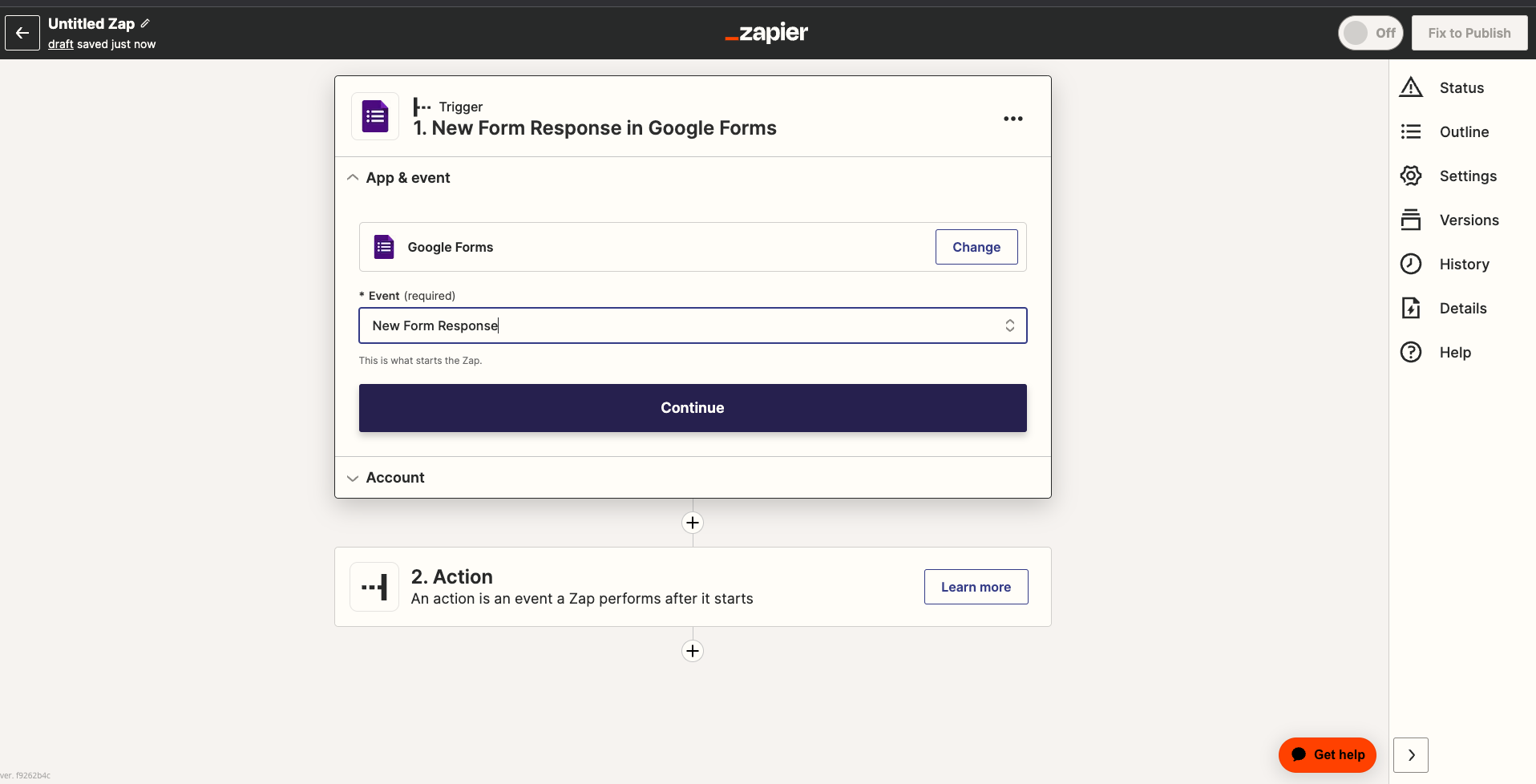
Setting Up Action
Choose Enterpret App to set up an action.
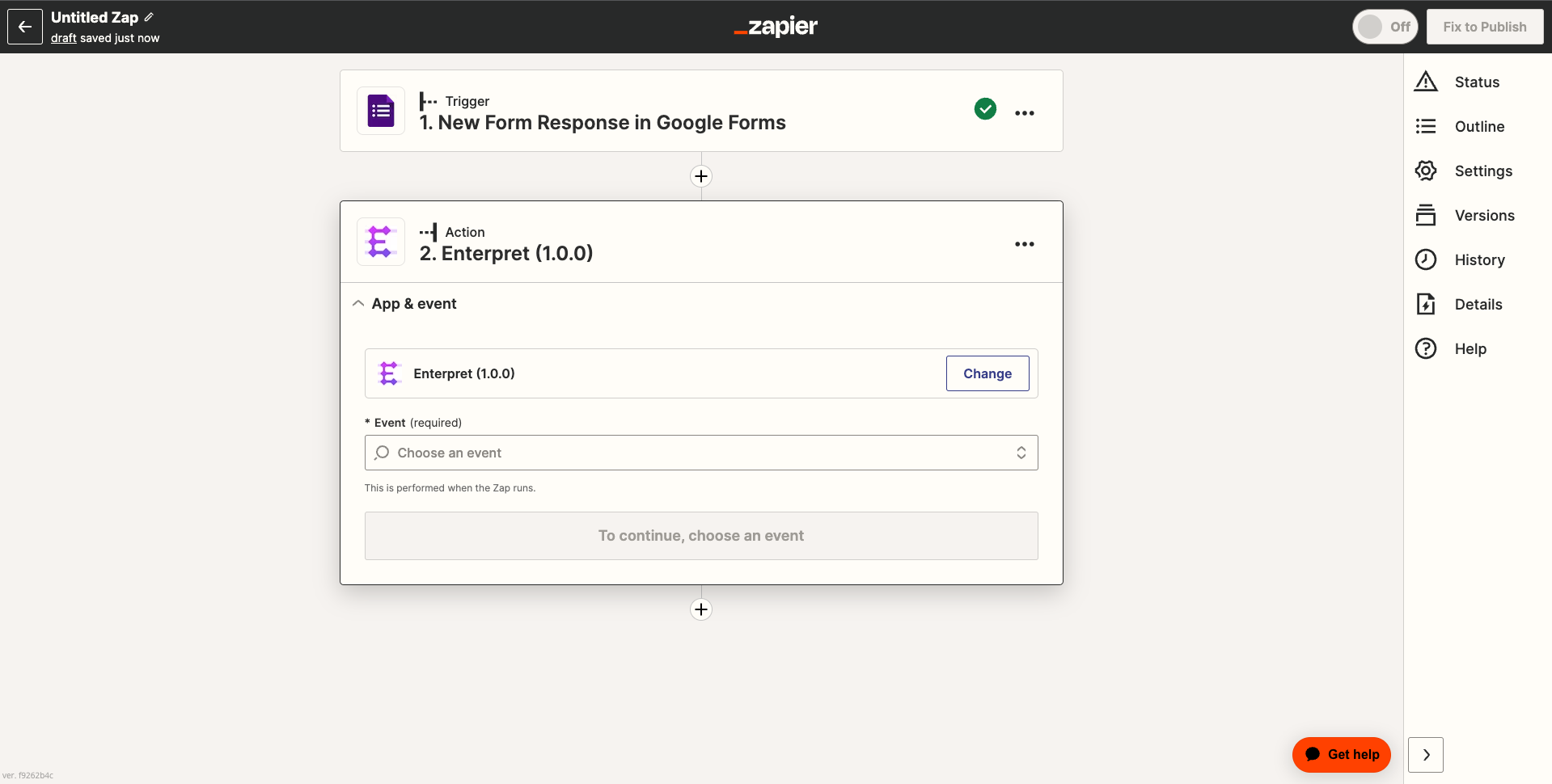
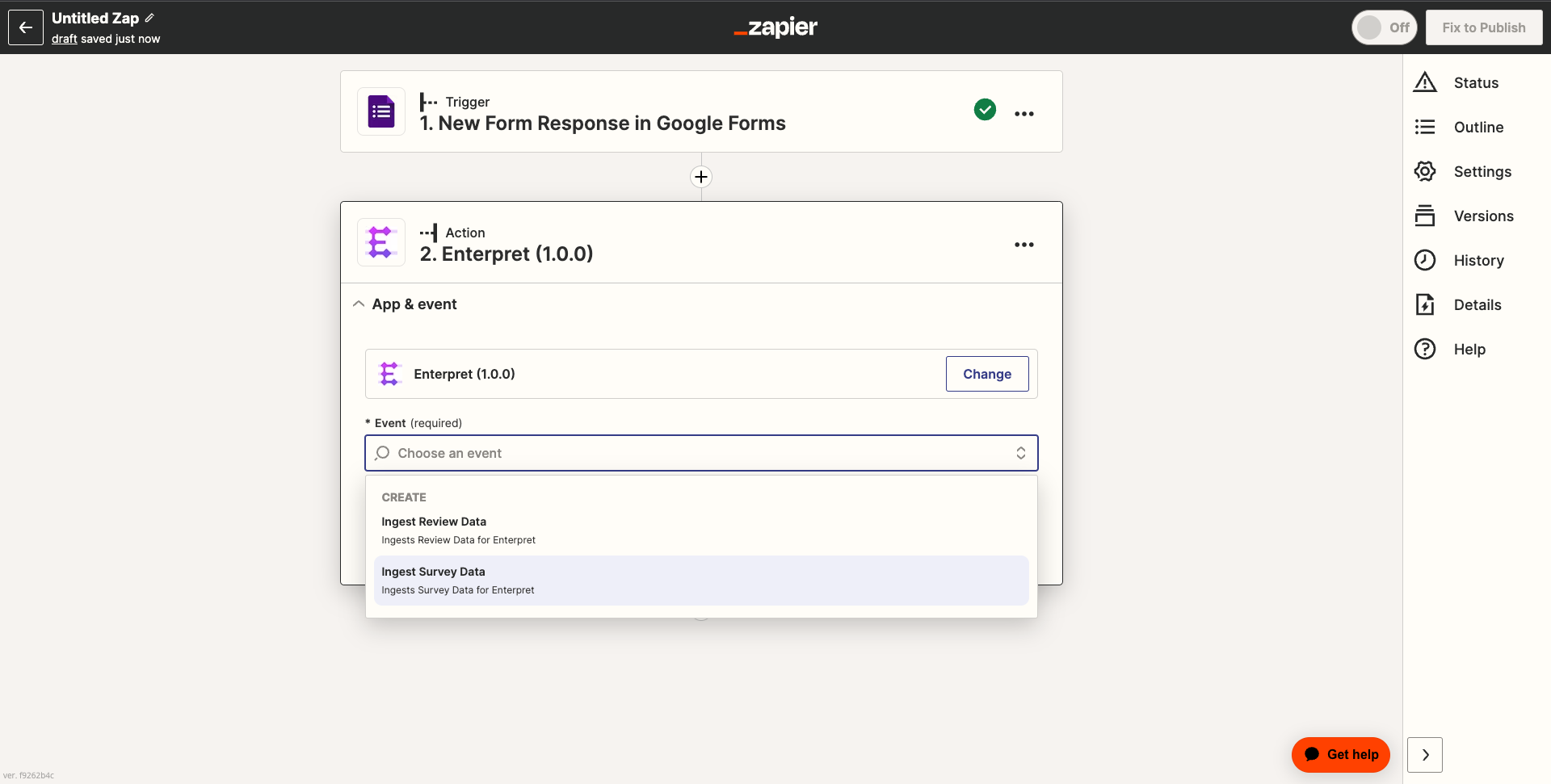
Choose the "Ingest Survey Data" action from the drop-down menu.
Authorize the Zapier App to access your Enterpret instance, by clicking on +Connect a new account button.
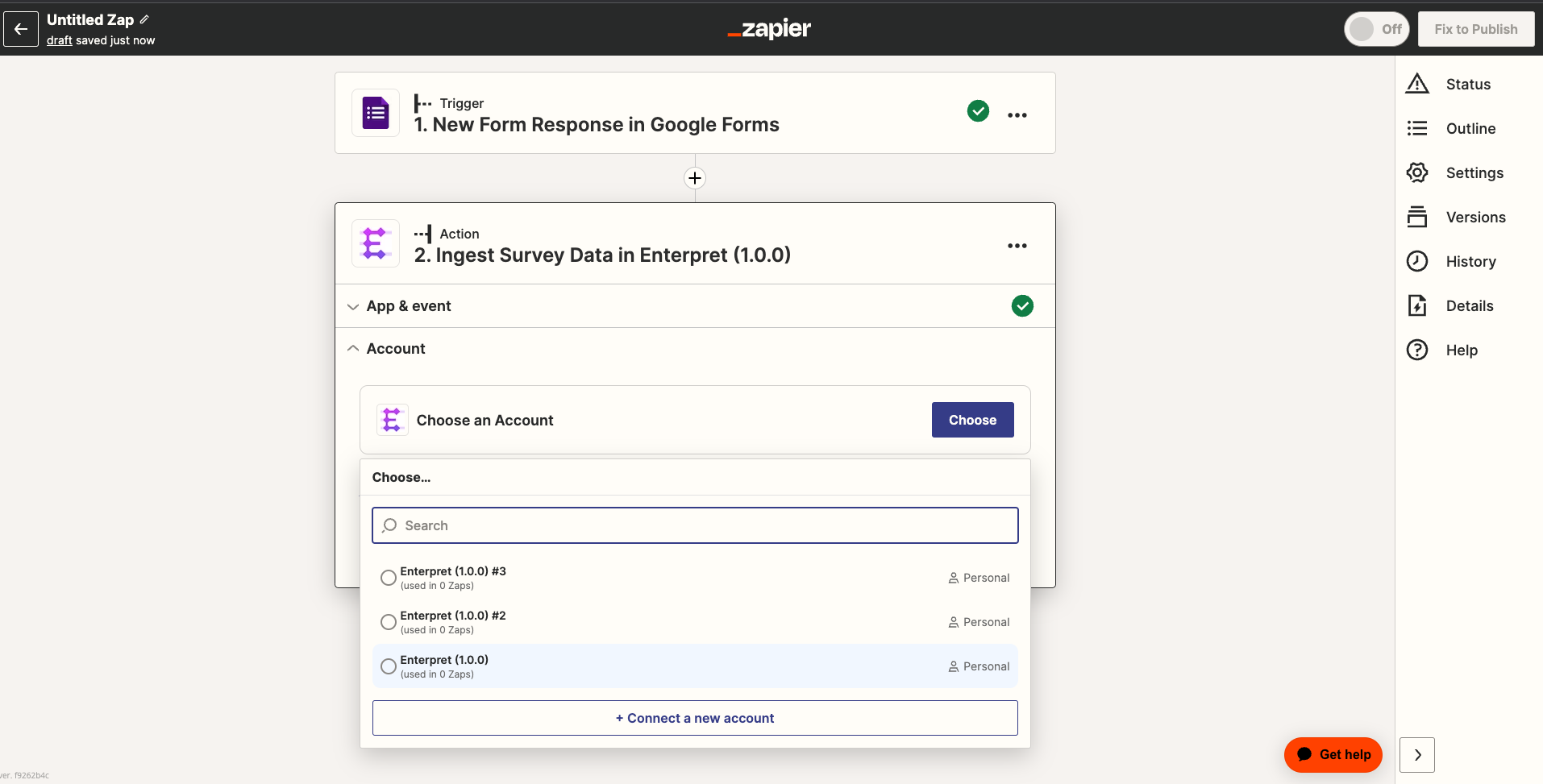
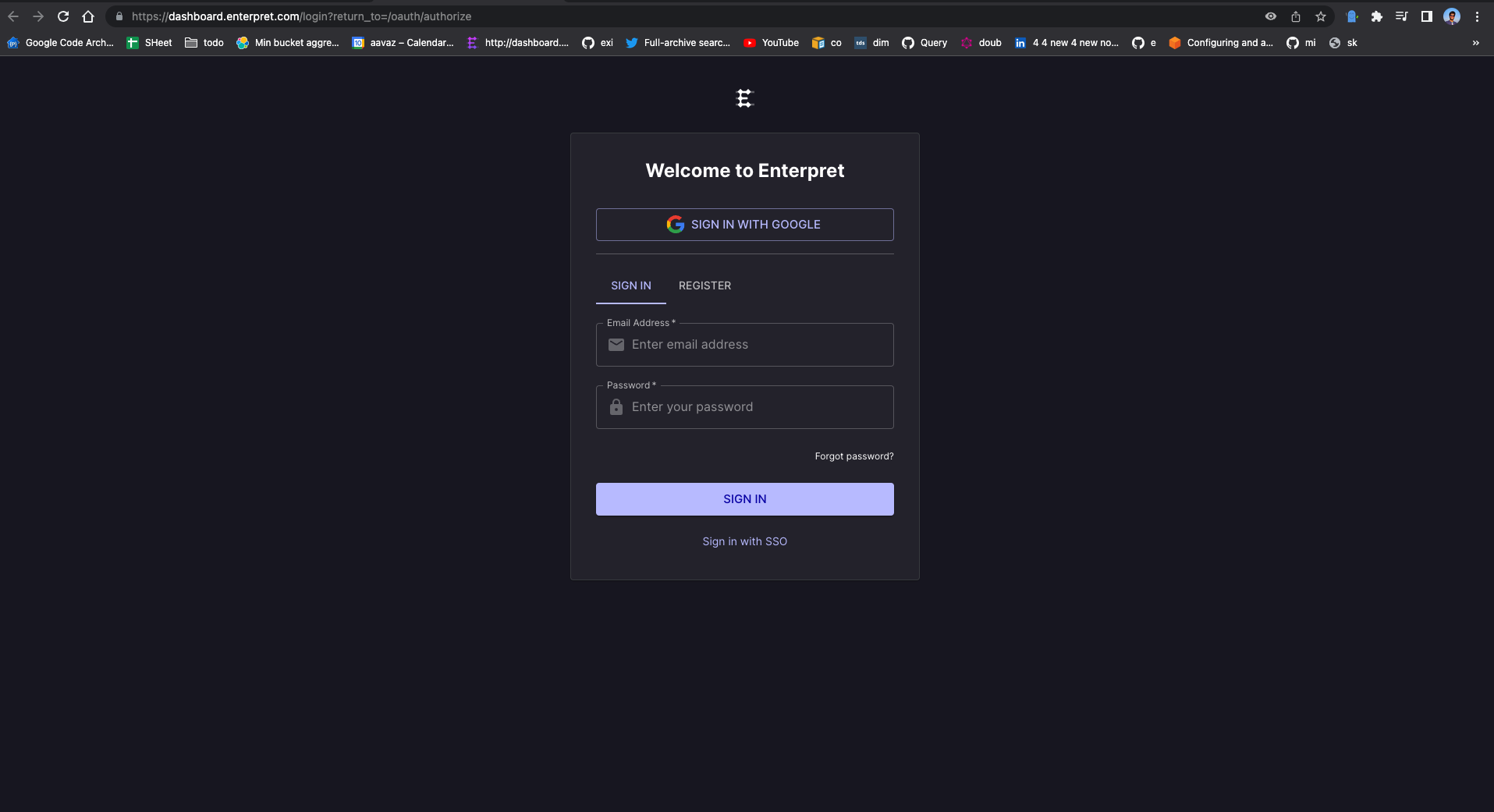
The above step will redirect you to your Enterpret dashboard, where you need to log in with your Enterpret credentials, and then authorize the app for access.
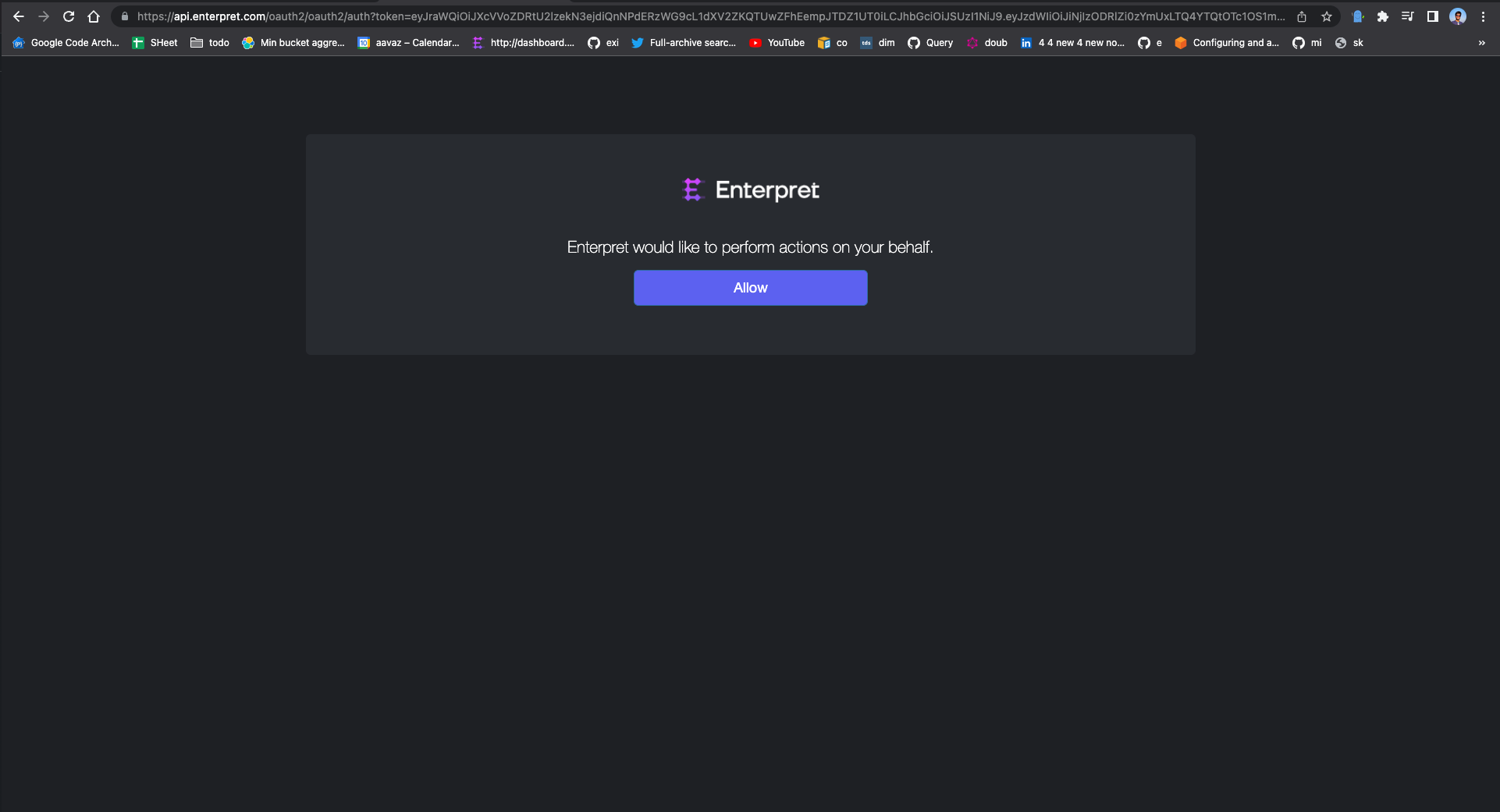
Once you have allowed access to the app, you can proceed with setting up the action, by defining the data mapping.
Note: For generating an integration API Key, you can refer to the documentation here.
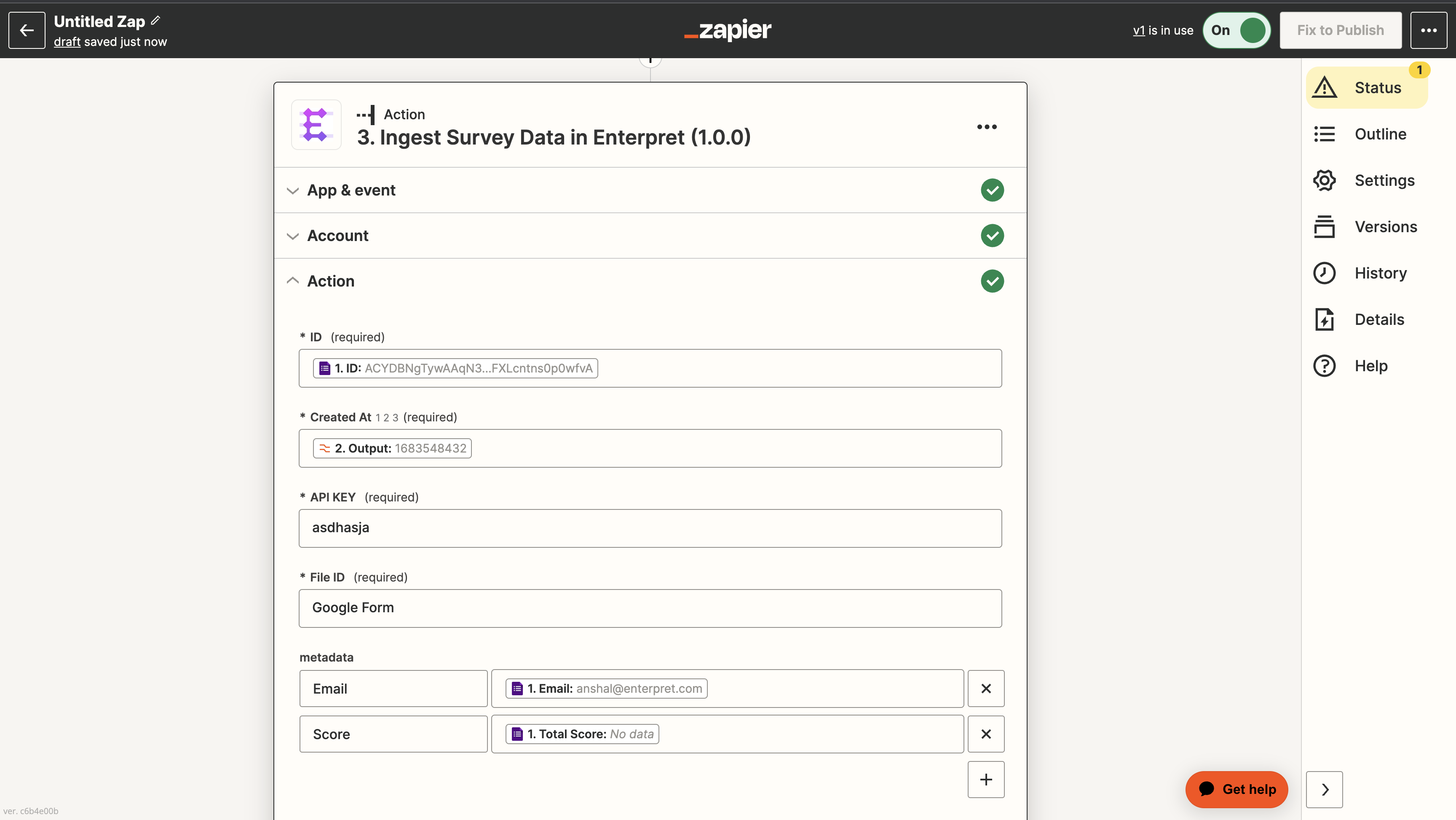
Note: the Created At field takes epoch timestamp as input.
For metadata field, follow the following convention:
Metadata name with suffix "_n" (
name_n) : To ingest the data as numeric value.Metadata name with suffix "_s" (
name_s) :To ingest the data as string value.
Example: To ingest a metadata rating as number, the field should be rating_n
Note: Fields not following above conventions will be ignored while ingestion.
Once you have defined the mapping, you can proceed with testing and publishing the Zap.
Give it a try and explore other use cases where you can leverage Enterpret's Zapier app to ingest your customer feedback. We hope you found this tutorial helpful, and we look forward to seeing what you come up with. Happy zapping!
Analyze this feedback with Enterpret Agent
Once this integration's feedback is available in Enterpret, use Enterpret Agent to investigate themes, summarize customer requests, and prepare reports. Specify this source and the reporting period in your request. For daily reports, weekly digests, and recurring reporting, configure scheduled Agent automations with Slack or email delivery.
This guide covers feedback ingestion. Agent connectors are a separate setup for reading external context or taking supported actions in other tools; connecting a feedback source does not automatically authorize those actions.