
Momentive (Formerly Survey Monkey)
In this article
In this article group
- Amazon Connect
- Apple App Store
- Census Integration
- Connect Plain to Enterpret
- Decagon Integration
- Discord
- Discourse Integration
- Email Integration
- Facebook Pages Integration
- Fathom Integration
- File Upload: CSV data on Enterpret
- Freshchat
- Freshdesk
- Front
- G2
- Gainsight Communities Integration
- GitHub Issues Integration
- Gong Integration
- Google My Business Integration
- Google Play Store
- Grain
- Granola Integration
- Import HubSpot feedback
- Instagram Comments Integration
- Intercom
- Kustomer
- Livechat Integration
- Pylon integration
- Qualtrics
- Refiner Integration
- Salesforce
- SFTP Integration
- Slack feedback ingestion: setup and troubleshooting
- Snowflake
- Sprig Integration
- Stella Connect
- TikTok Integration
- Trustpilot Integration
- Typeform
- X (formerly Twitter) Integration
- Connect YouTube videos and comments
- Zendesk Chat
- Zendesk Support
- Import Zoho Desk support tickets
- Zoom Integration
- Zapier Integration
- Reddit Search (UGC)
- Wispr Flow integration
Overview
Momentive (Formerly Survey Monkey)'s integration enables Enterpret to directly ingest survey responses into your data pipeline. This allows you to analyze both quantitative and qualitative feedback at scale.
We require OAuth authorization to fetch survey responses through the API. The current default polling interval is 4 hours. Your integration may use a different configured schedule, including an older interval. Contact your Enterpret team to confirm the schedule for your connection.
Polling schedules periodic checks for eligible source data. Data becomes available for analysis after fetching and processing; the polling interval does not guarantee when a particular record or the first import will appear.
Additional Note: SurveyMonkey rebranded to Momentive and later was acquired by SurveyMonkey's parent.
Configure
Click "Sign in with Google" and log in with your work email
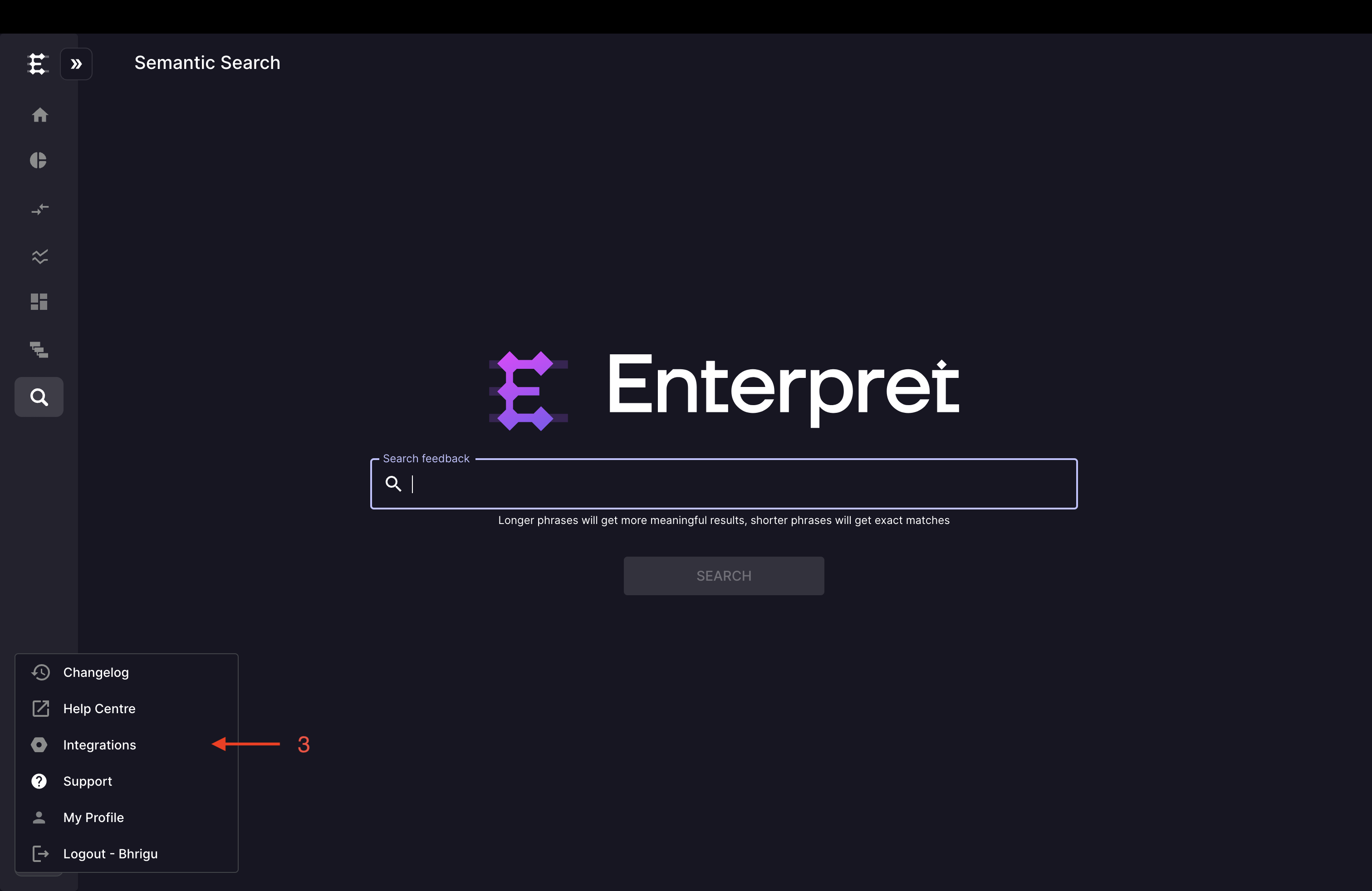
Click the logo icon on the left sidebar to open the integrations menu
Select Integrations from the menu
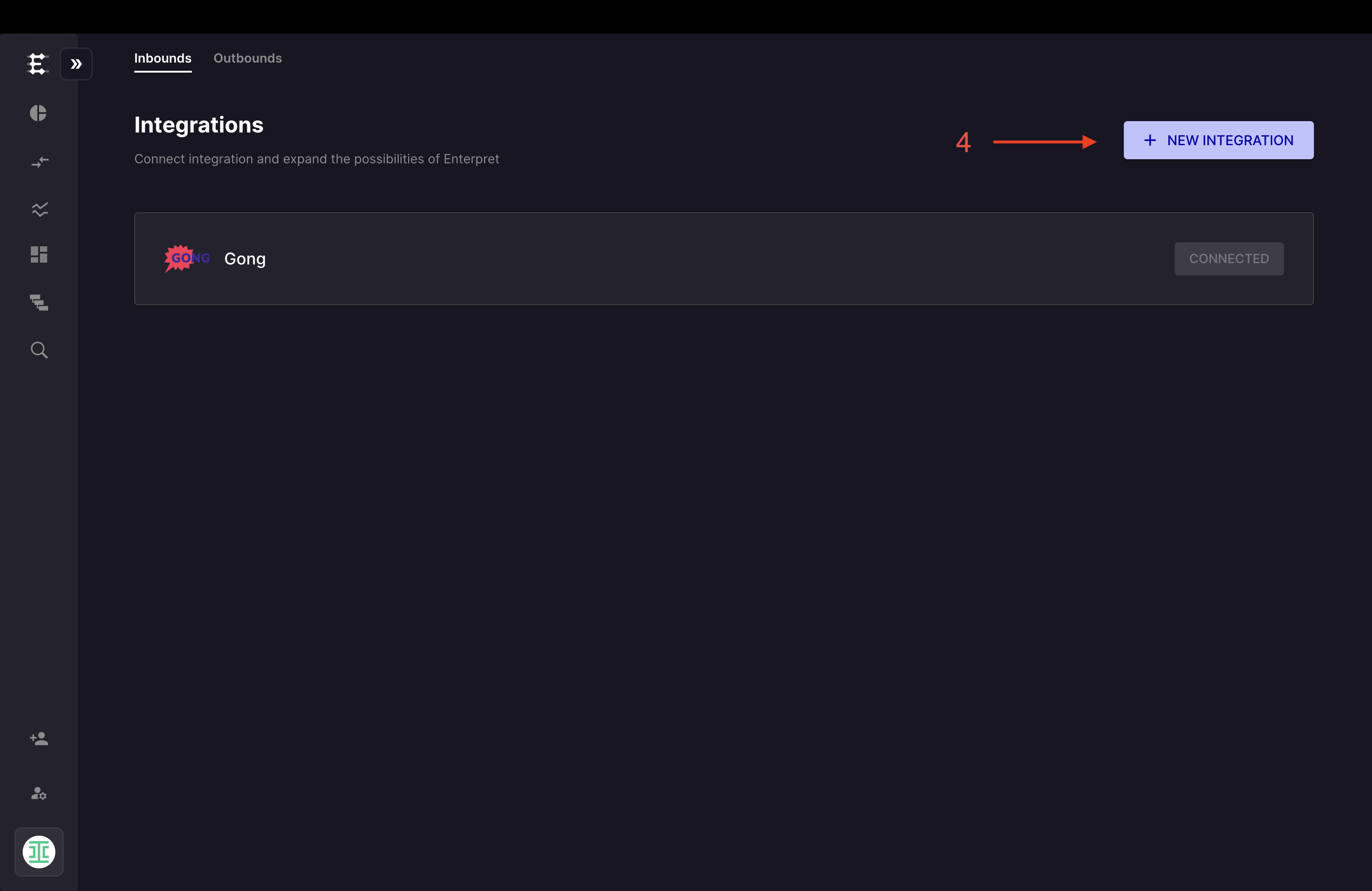
Click the "+ New Integration" button.
Select Momentive (Formerly Survey Monkey) from the available options
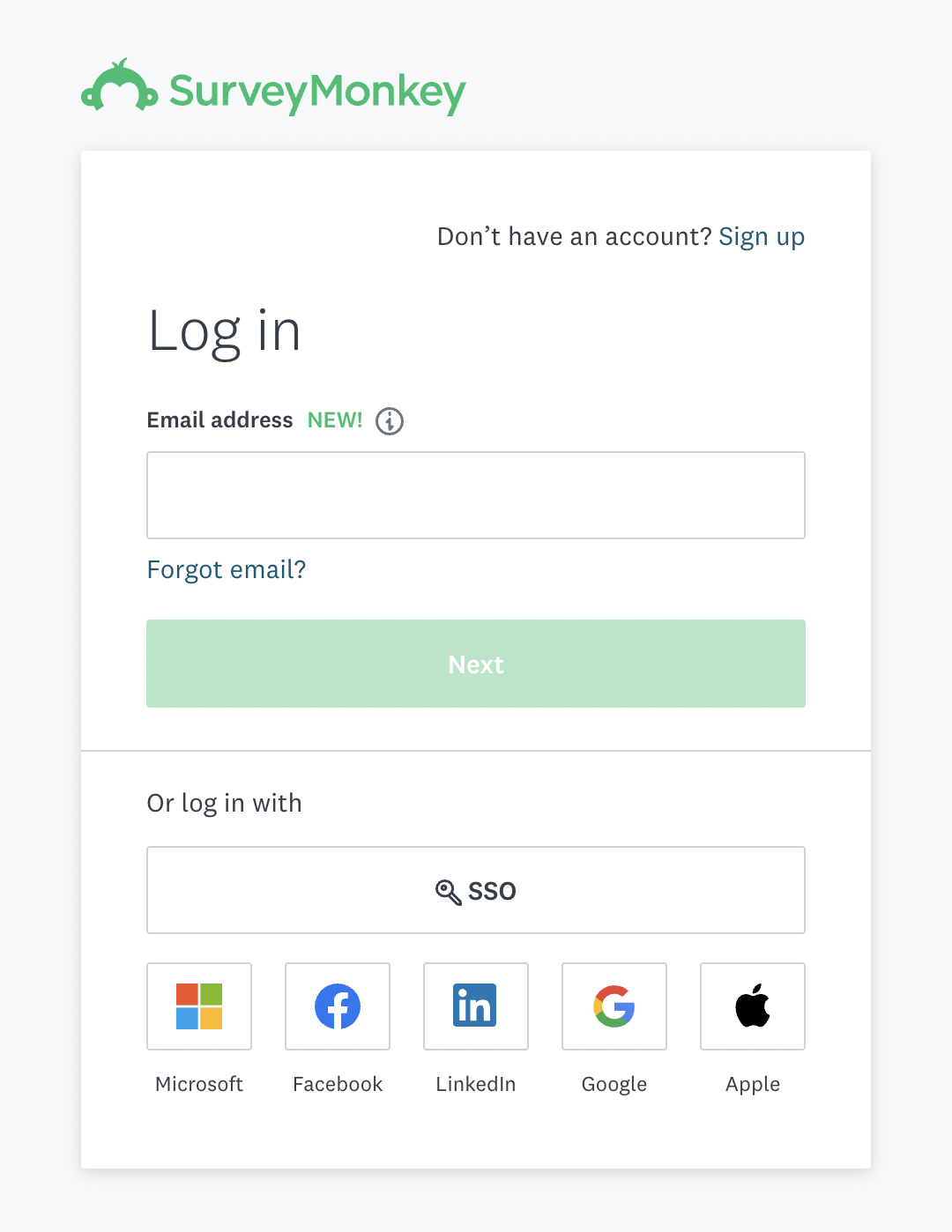
You will be redirected to the Momentive (Formerly Survey Monkey) OAuth authorization page
Log in using your Momentive (Formerly Survey Monkey) account credentials.
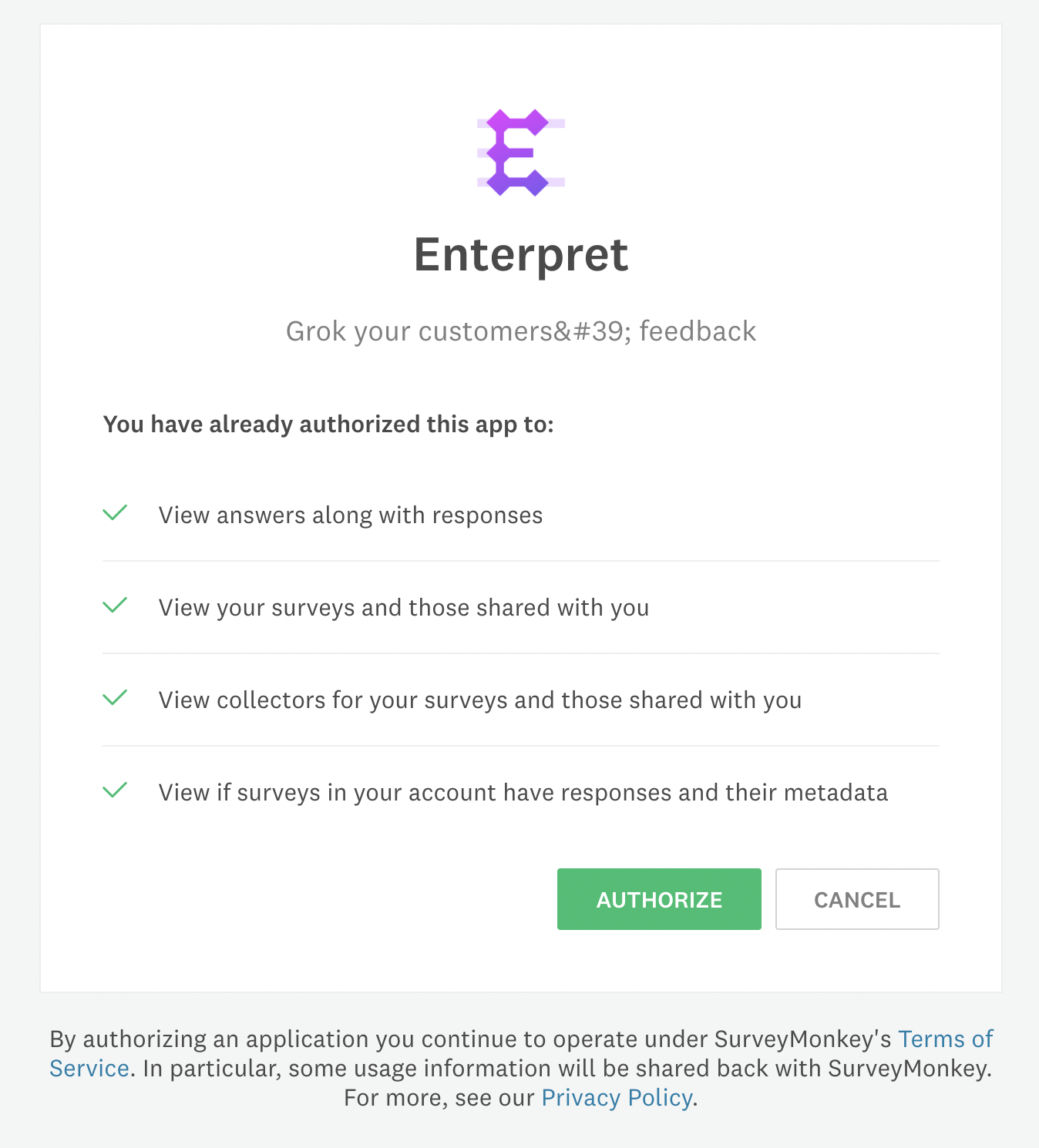
Authorize Enterpret to access your Momentive (Formerly Survey Monkey) account.
Once successfully connected, you will see Momentive (Formerly Survey Monkey) as a "Connected" integration in your account.
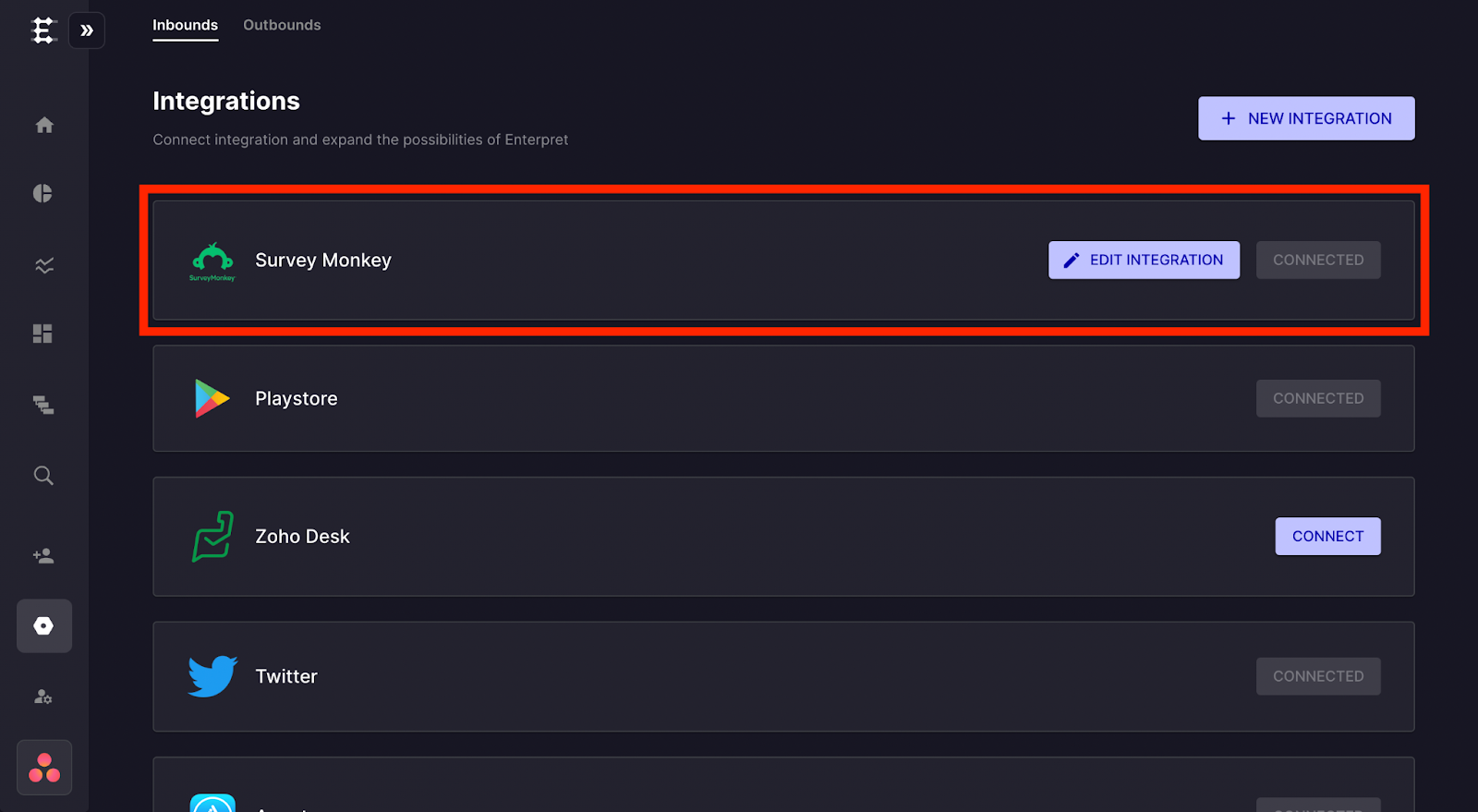
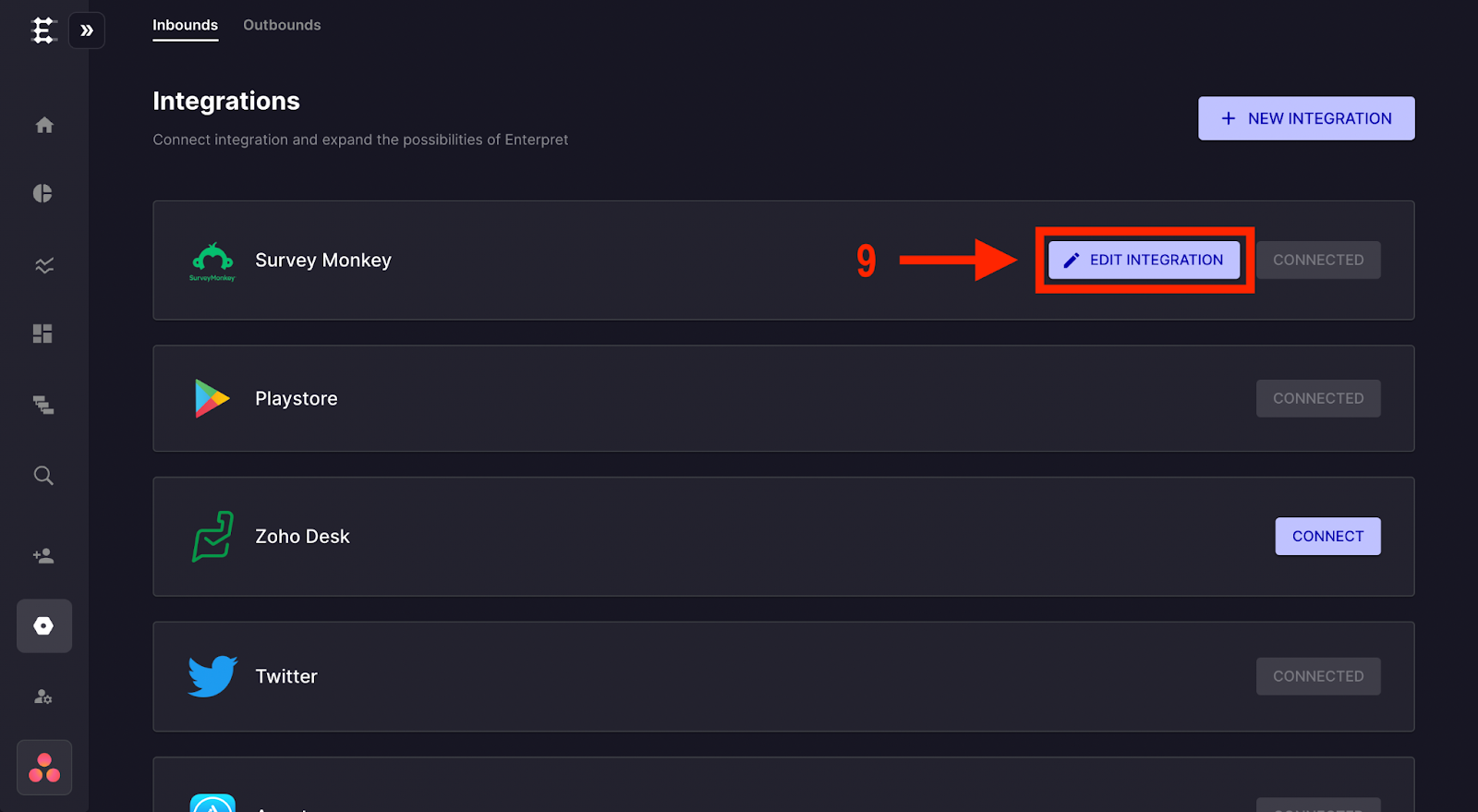
Managing Your Momentive (Formerly Survey Monkey) Integration
Click the edit integration button next to Momentive (Formerly Survey Monkey) to manage your integration settings.
In the popup that opens, you can select or deselect individual surveys for which you want responses to be ingested.
Note: By default, all surveys are enabled for ingestion.
Important: Initial import and processing time vary with the selected surveys, eligible response history, volume, and source availability. Only completed survey responses are ingested — partial or in-progress responses are not included.
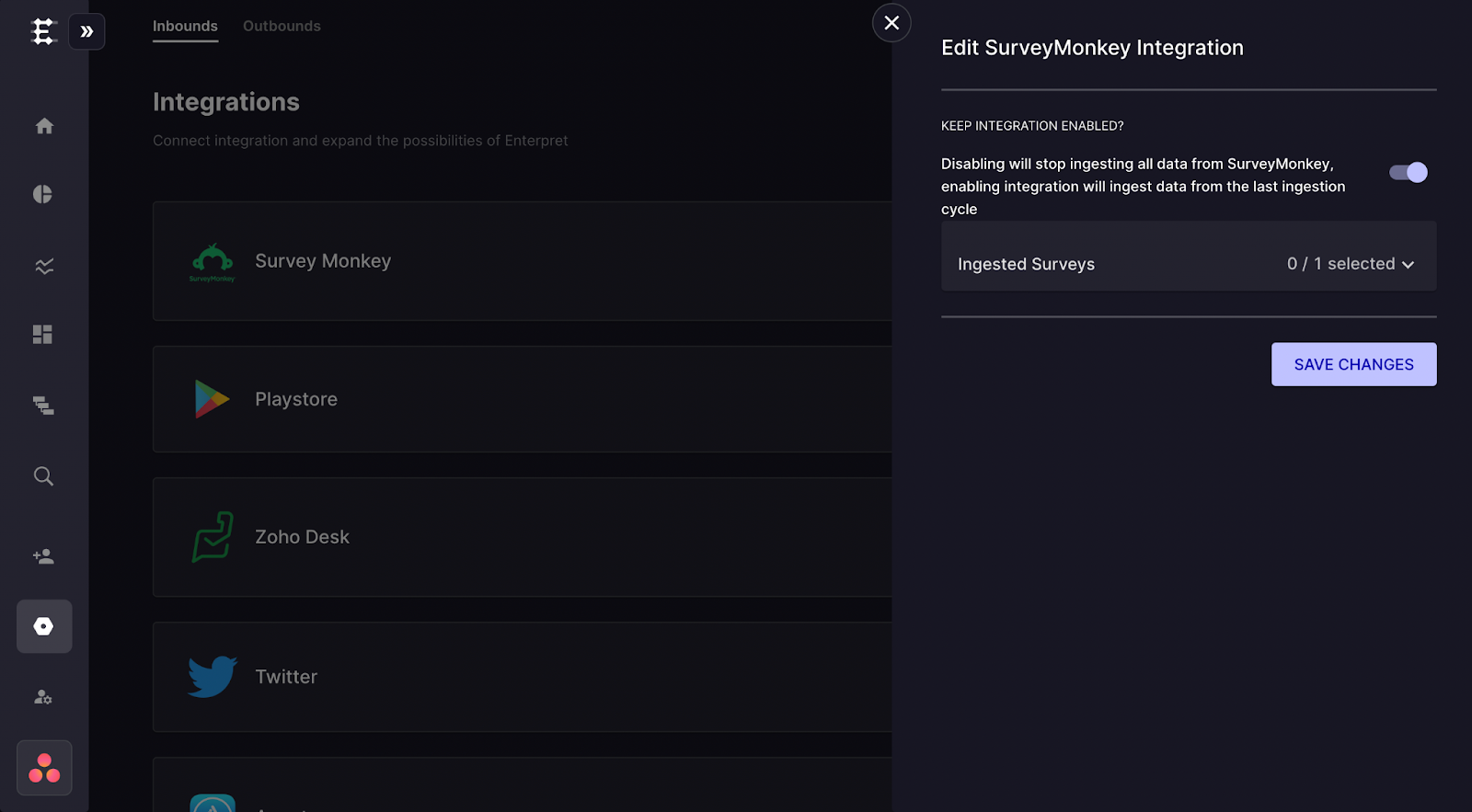
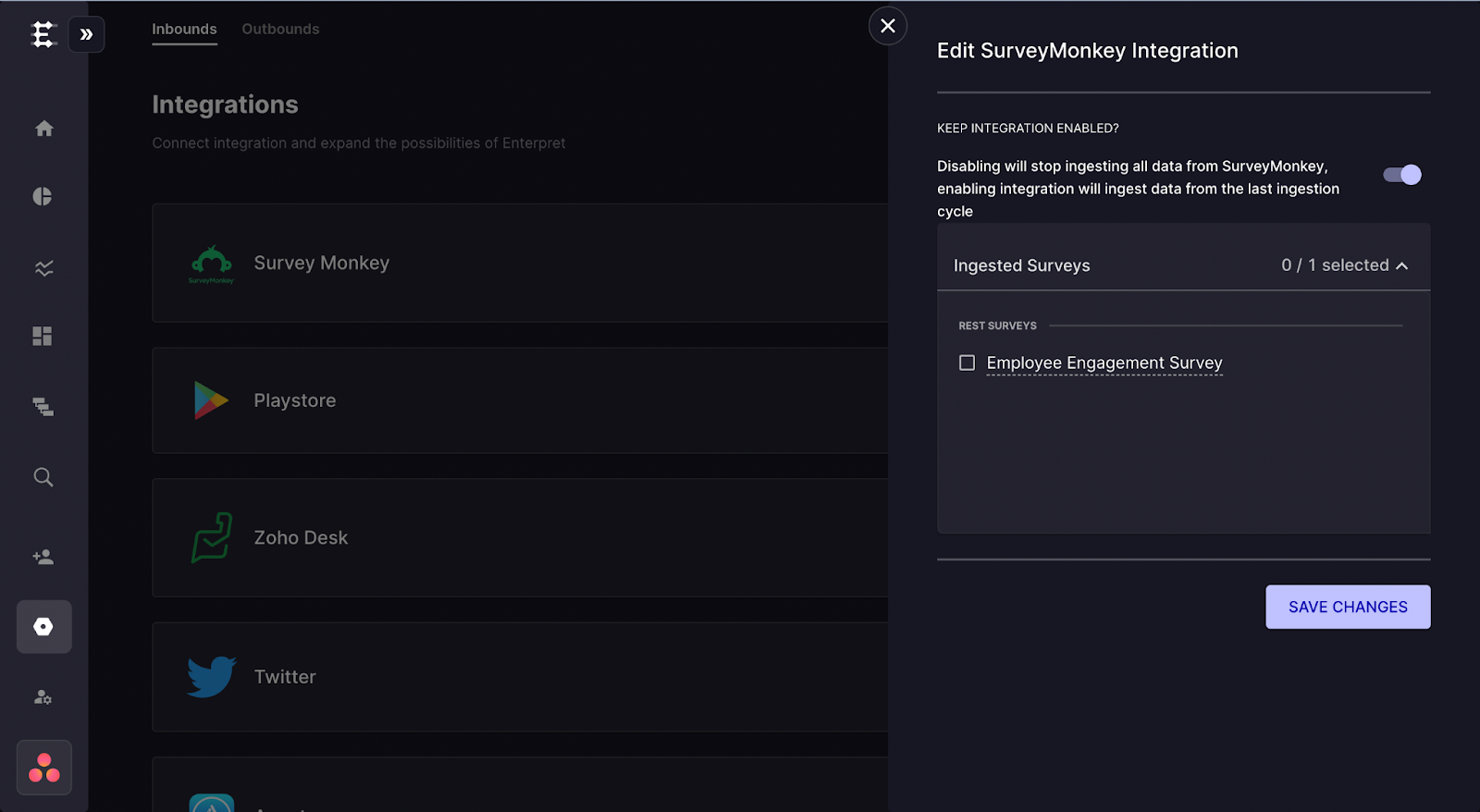
Analyze this feedback with Enterpret Agent
Once this integration's feedback is available in Enterpret, use Enterpret Agent to investigate themes, summarize customer requests, and prepare reports. Specify this source and the reporting period in your request. For daily reports, weekly digests, and recurring reporting, configure scheduled Agent automations with Slack or email delivery.
This guide covers feedback ingestion. Agent connectors are a separate setup for reading external context or taking supported actions in other tools; connecting a feedback source does not automatically authorize those actions.