
Facebook Pages Integration
Overview
The Facebook Pages integration lets you ingest comment threads from a Facebook Page directly into Enterpret.
How it works
Backfill on setup: When you first add a Page, Enterpret imports eligible posts and comment threads from the configured history window, subject to source availability and processing. Ask your Enterpret team to confirm the intended range.
Real-time ingestion: After setup, eligible Page comment events can trigger ingestion, subject to Page permissions, event delivery, and processing.
Thread structuring: Comments are organized internally into threads along with their parent comments and posts.
Note: Each integration supports a single Facebook Page. To add more Pages, create a new integration for each one.
Configure
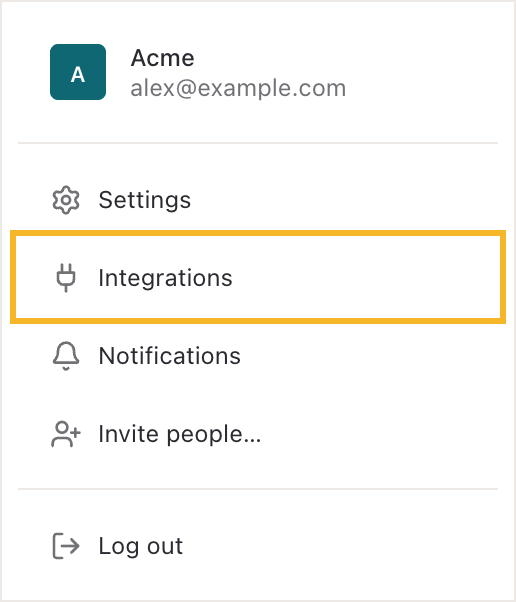
Sign in to Enterpret. Open Integrations and select + New Integration.
Choose Facebook Pages, select Connect, and choose Feedback Integration when prompted.
Follow the Meta authorization prompts. Approve access for the account and Pages you want to make available to Enterpret. If you connected before, review the access already granted.
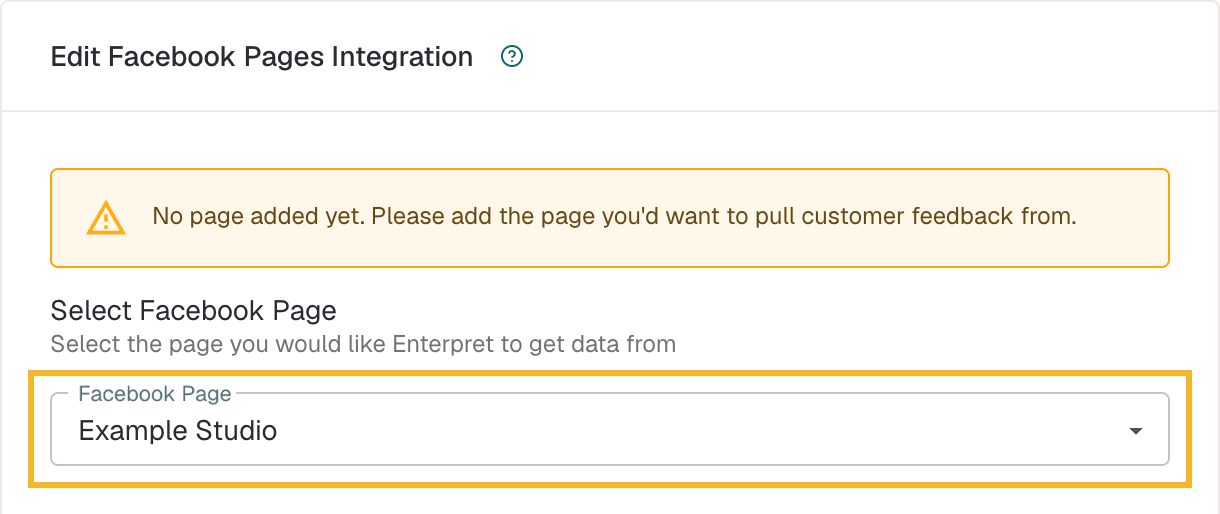
Back in Enterpret, open the integration. If the Page picker is closed, use Edit. In Facebook Page, select the intended Page, complete the feedback description if prompted, and select Save Changes. Each integration uses one Page.
After processing, compare a known Page comment thread with its records in Feed. If a Page is missing from the picker, check the authorizing account and the Page access granted in Meta. If feedback is missing, verify the selected Page, then check the configured history with Enterpret Support.
After the connection processes feedback, compare a known Page comment thread with its records in Feed. If the Page or a comment is missing, check which Pages are granted to Enterpret in Meta and confirm the configured history with Enterpret Support.
Permissions requested
During setup, Enterpret requests these Facebook permissions:
Page content access: supports reading the available posts and comment context used for feedback threads, subject to granted access.
Page webhook management: supports configuring the Page event subscription. Ingestion still depends on successful subscription, source events, delivery and processing.
Read user content on your Page — lets us backfill comment threads from your Page.
Show a list of the Pages you manage — lets us show which Pages you can add as an integration.
Analyze imported feedback with Enterpret Agent
After verifying the import, open Enterpret Agent in the app. If your workspace has the Enterpret app for Slack, you can ask there too. For a supported external agent, connect it to your workspace through the Enterpret MCP Server. Use an account with access to the imported feedback.
Review imported comments from the Facebook Page I name. Group recurring questions and issues, then link representative records with their parent post context.