
Amplitude
Overview
Amplitude's integration allows Enterpret to directly ingests data about user cohorts into Enterpret. User cohorts allow users to group users which share a common characteristic and adjust features of their website or app to cater to those individuals and increase their engagement.
Configure
Add Enterpret as a Cohort Destination
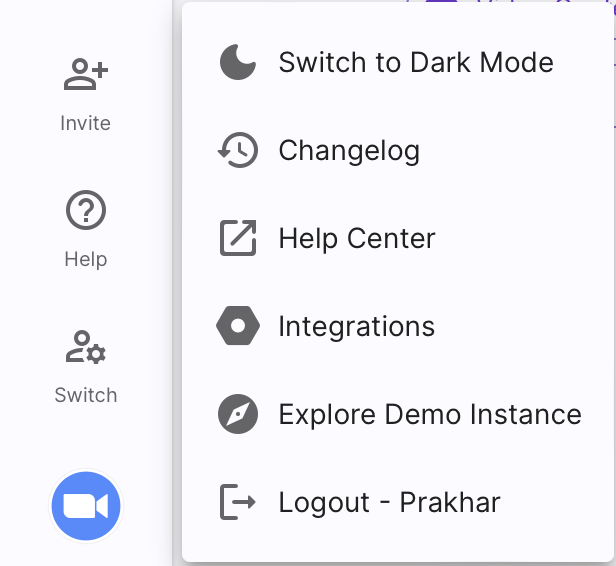
Go to lower left of the screen and click on the logo, a panel will open up, click on
Integrations.On clicking
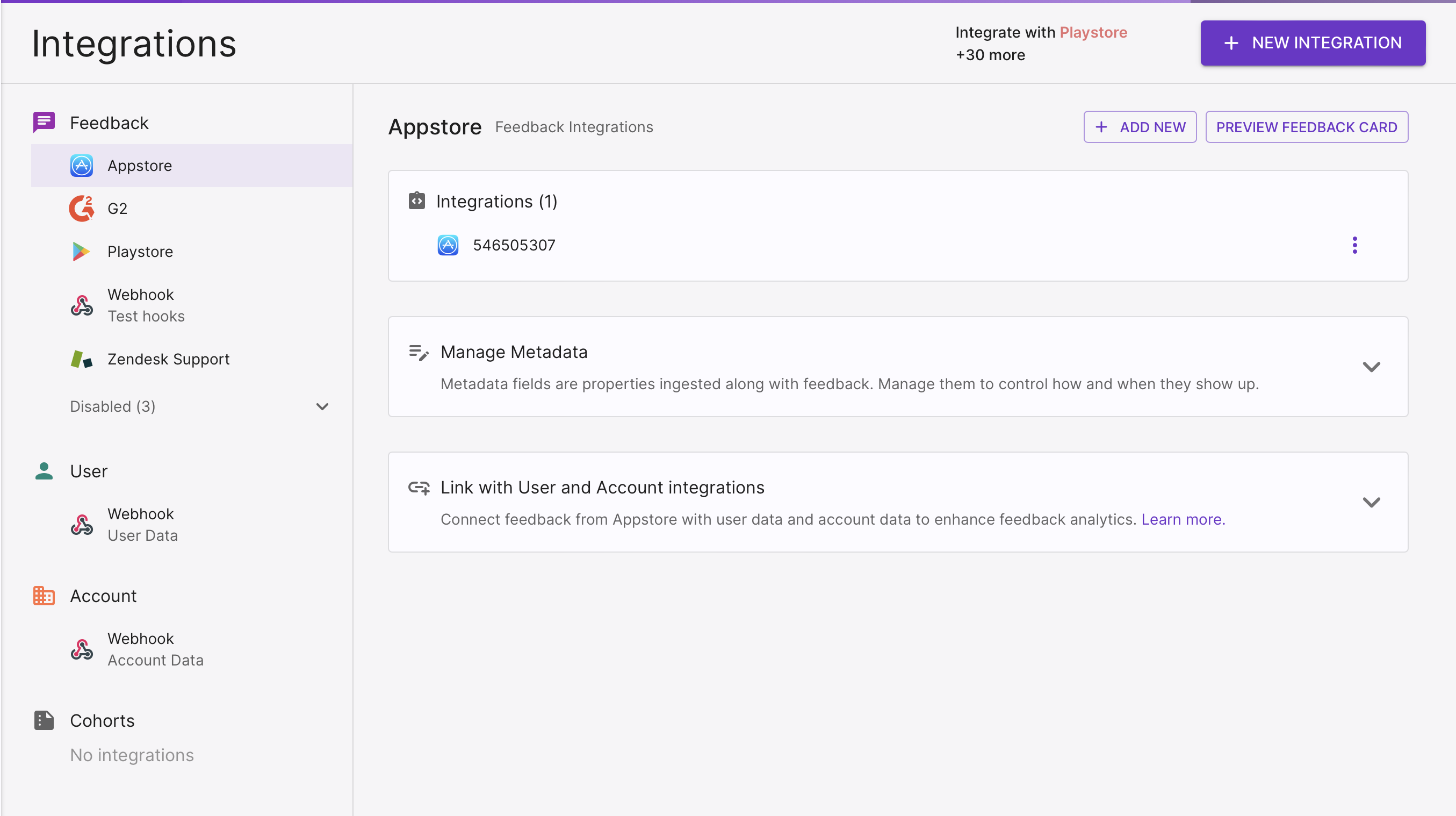
Integrations, this screen will open up.On the top right corner of the screen, click on the
+ NEW INTEGRATIONbutton.
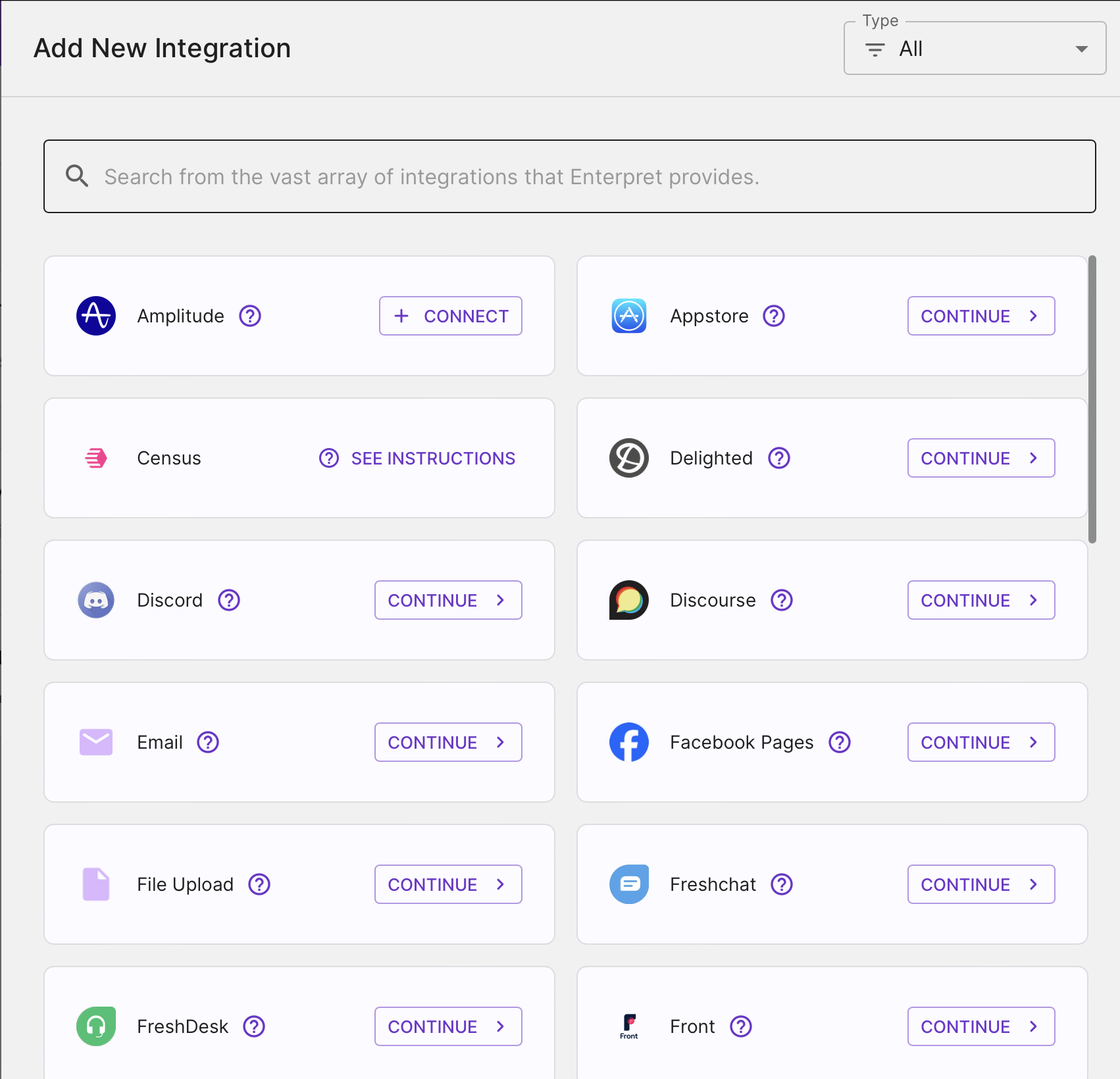
A list of all available integrations that can be done through Enterpret is shown on this screen.Search around for Amplitude, Click on
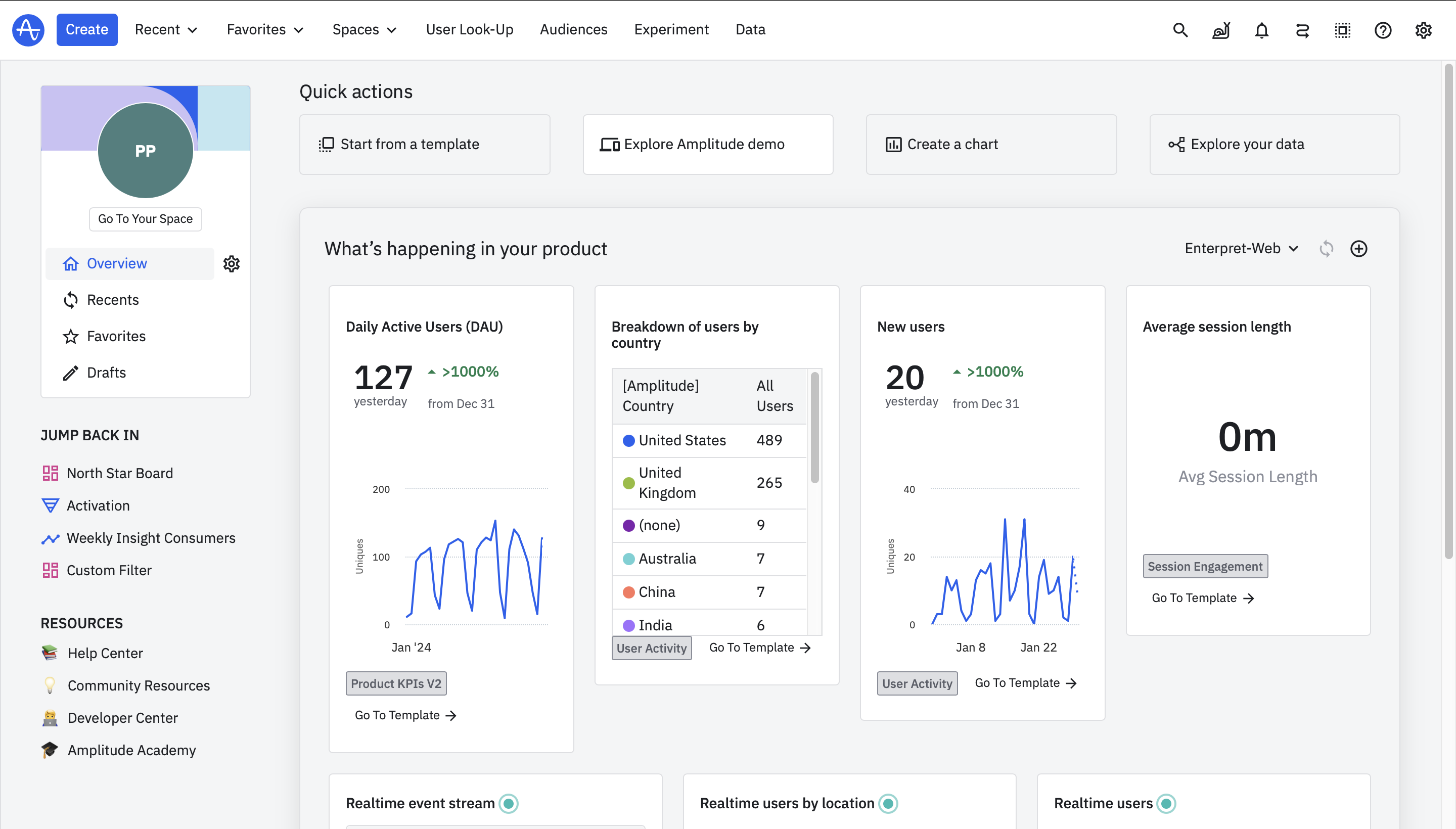
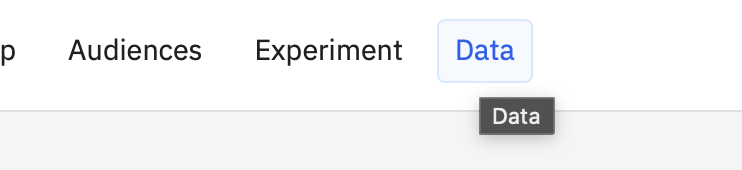
CONTINUE >to move forward with the process of integration.Go to Amplitude, navigate to 'Data' from the top navigation bar.
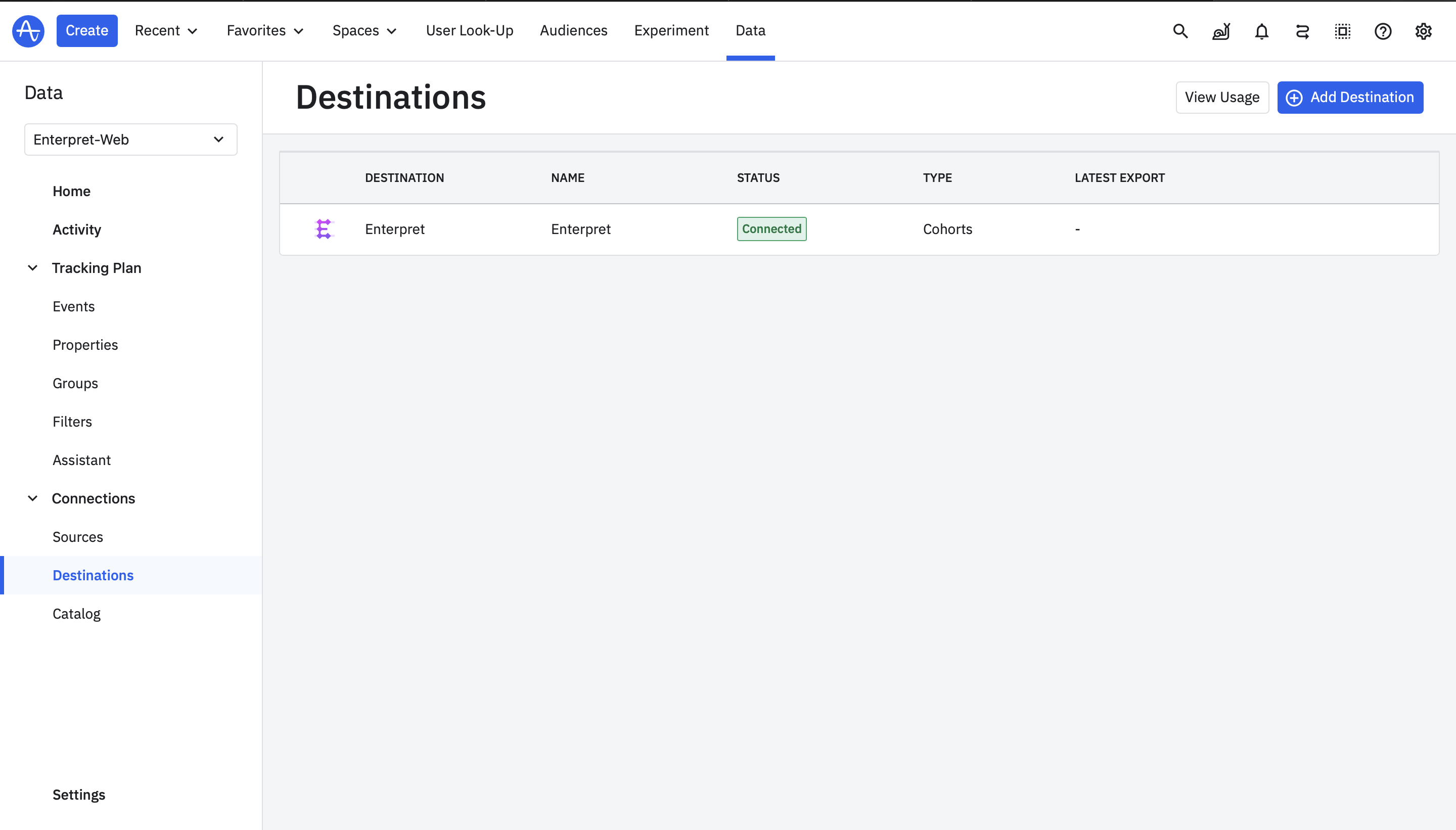
Navigate to Data > Destinations from the left side nav bar.
Click on
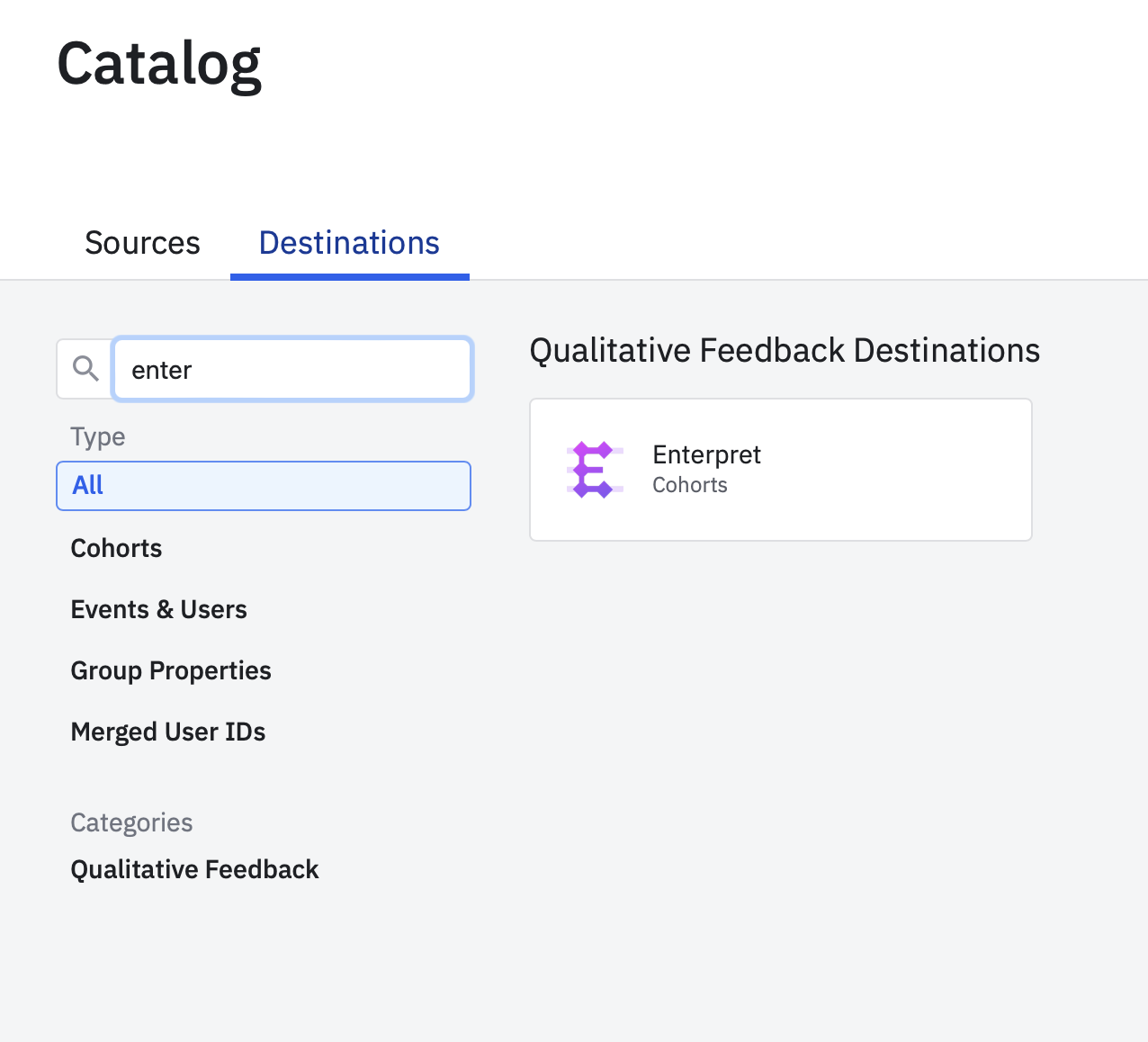
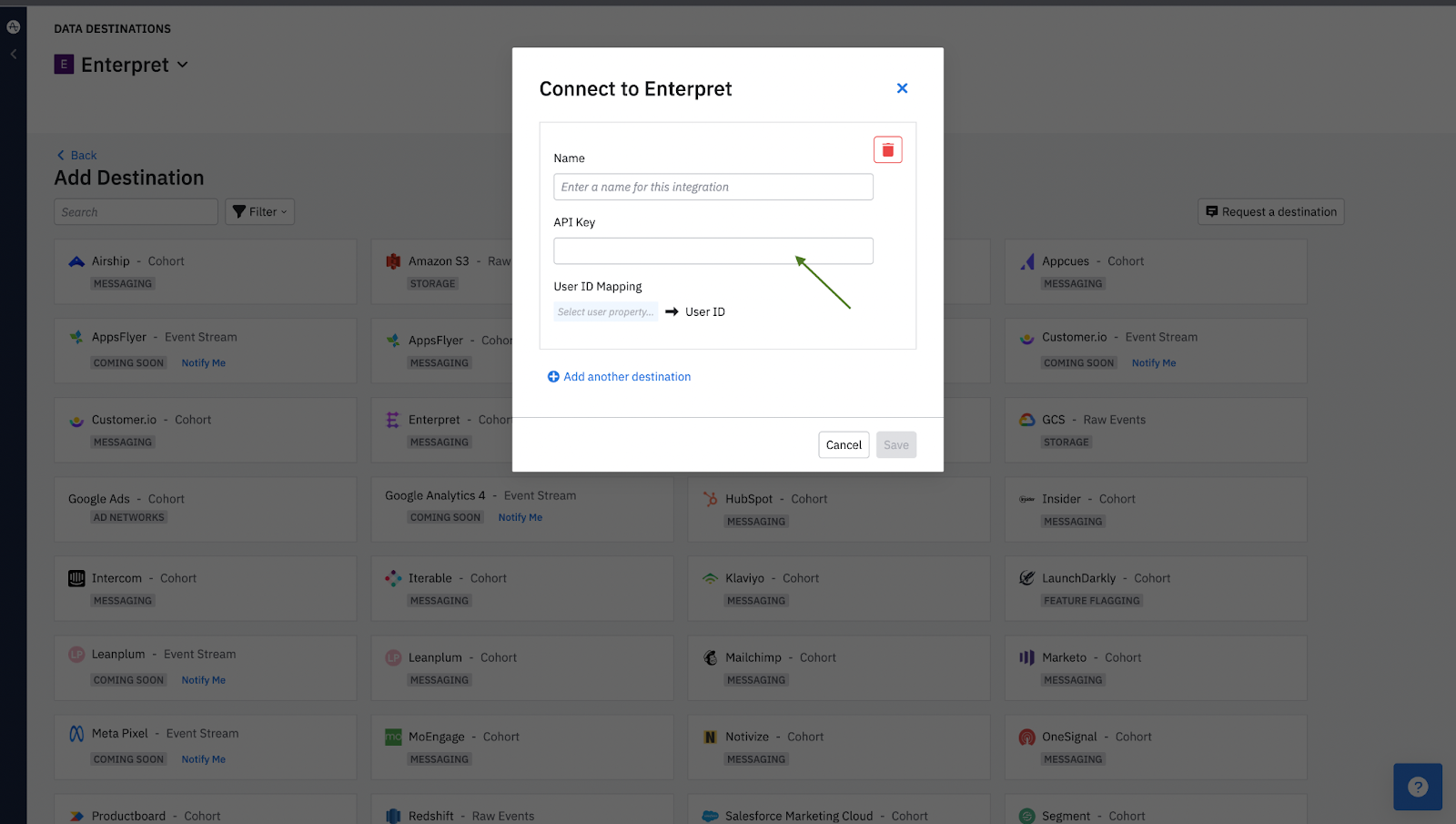
+ Add Destinationon the right top of the screenYou will be able to a list of all destinations available, Search for & Select the Enterpret tile.
Provide the relevant details, including the name of your integration, API key and the User ID Mapping configuration.
Click
SAVEto complete the setup process.


Sync an Amplitude cohort
To sync your first cohort, follow these steps:
In Amplitude, navigate to Cohorts on the left panel.
In the Cohorts panel, click the cohort you wish to export. Then click View Cohort Details.
From the Sync To... drop-down, select Enterpret.
In the Define Destination and Cadence modal, select the API target from the drop-down. (The appropriate choice will have the same name you gave the integration in the previous section.) Then choose the appropriate sync frequency: either a one-time sync, scheduled sync, or Real-Time Sync.
ℹ️ Please note that if a cohort is renamed after configuring a sync with Enterpret, the cohort's new name would appear only on fresh data. Existing data would continue to be associated with the cohort's older name.
Use this context in Enterpret Agent reporting
Ask Enterpret Agent to use the relevant fields, customer attributes, or taxonomy conditions available in your workspace, with an explicit source scope and reporting period. For a daily report, weekly digest, or recurring summary, configure scheduled Agent automations with the same brief and verify the actual scope and output. Use connectors separately when a task needs external context or supported actions; data configuration here does not grant connector access.